WordPress Site Manager Core module
Manage every WordPress site you publish to: URL, user, application password and status, with CSV/Excel import & export and REST API connectivity checks.
Annual price:$1,800 / year
Buy the whole bundle, or just the modules you need — the price follows your selection.
Manage every WordPress site you publish to: URL, user, application password and status, with CSV/Excel import & export and REST API connectivity checks.
Configure text, image and video AI providers in one place: Anthropic Claude, Google Gemini, OpenAI and Volcano Ark (Doubao LLM / Seedream images / Seedance video).
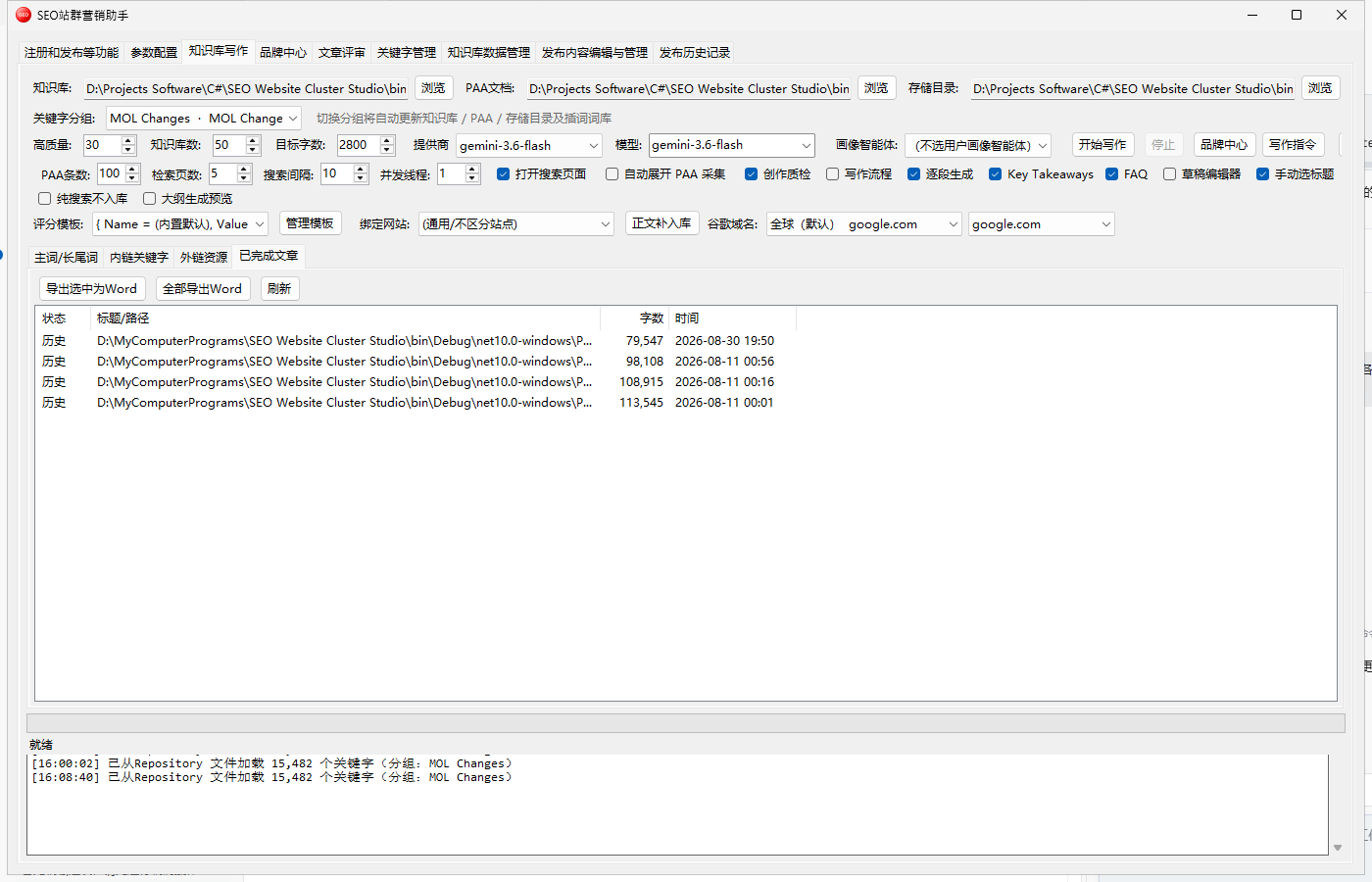
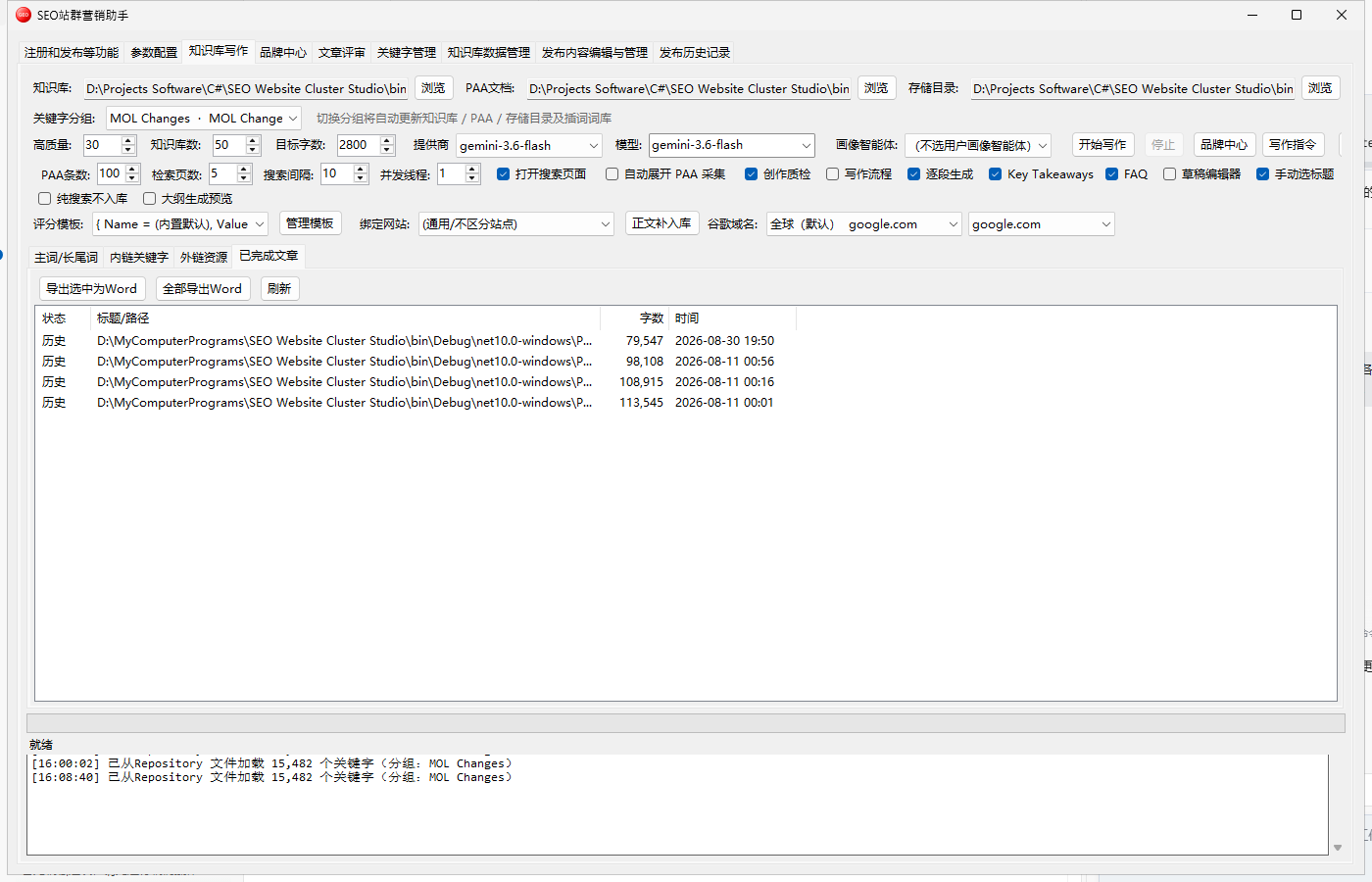
The core engine: generate original long-form articles by blending your knowledge base, Google PAA and competitor SERP data. Choose the 5-step CodeAgent flow or the multi-agent WriterFlow pipeline.
Maintain brand profiles (name, positioning, logo, brand colors, tone, target markets) and customer personas that get injected into writing, plus built-in video, image and PDF generation.
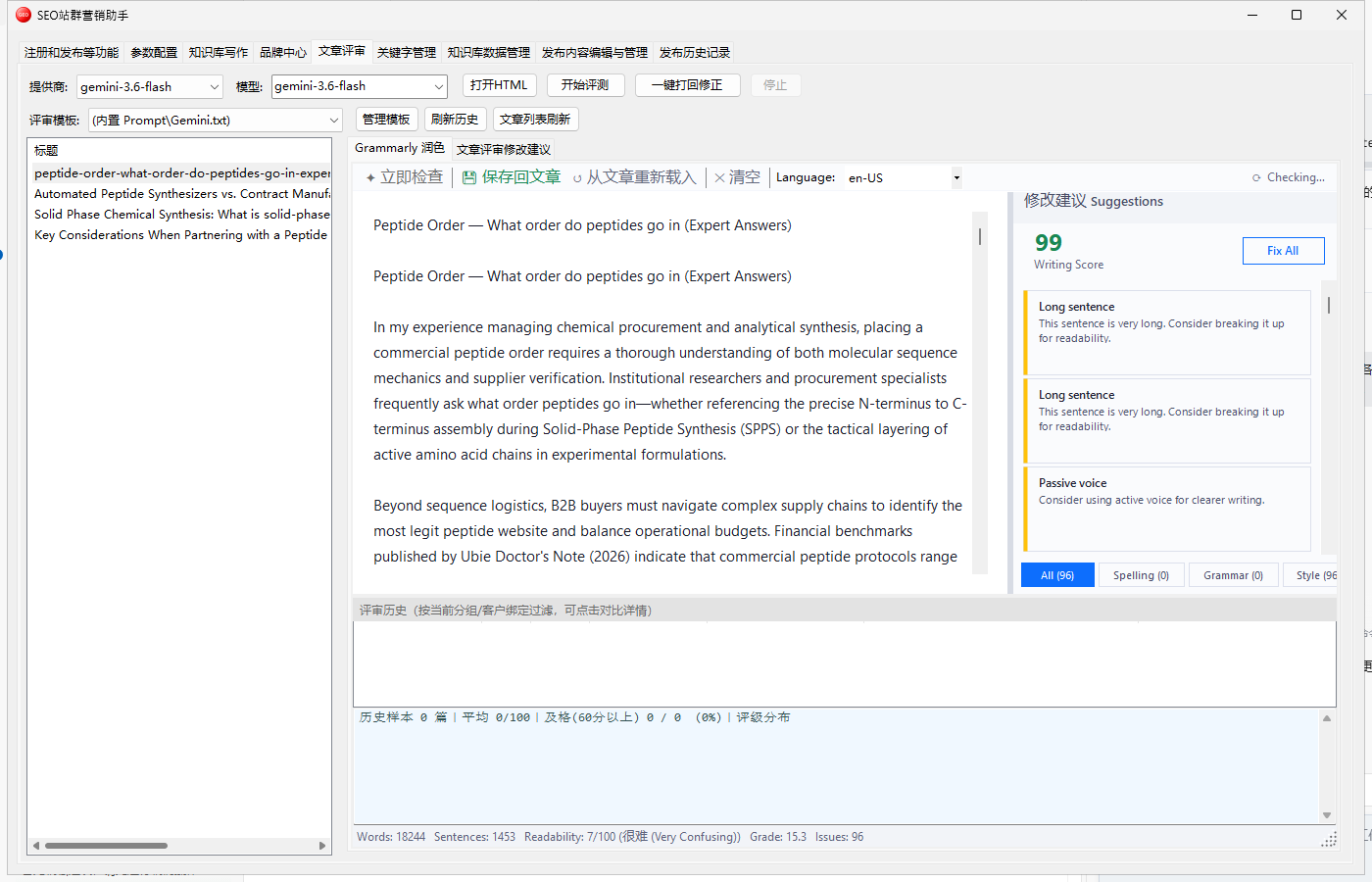
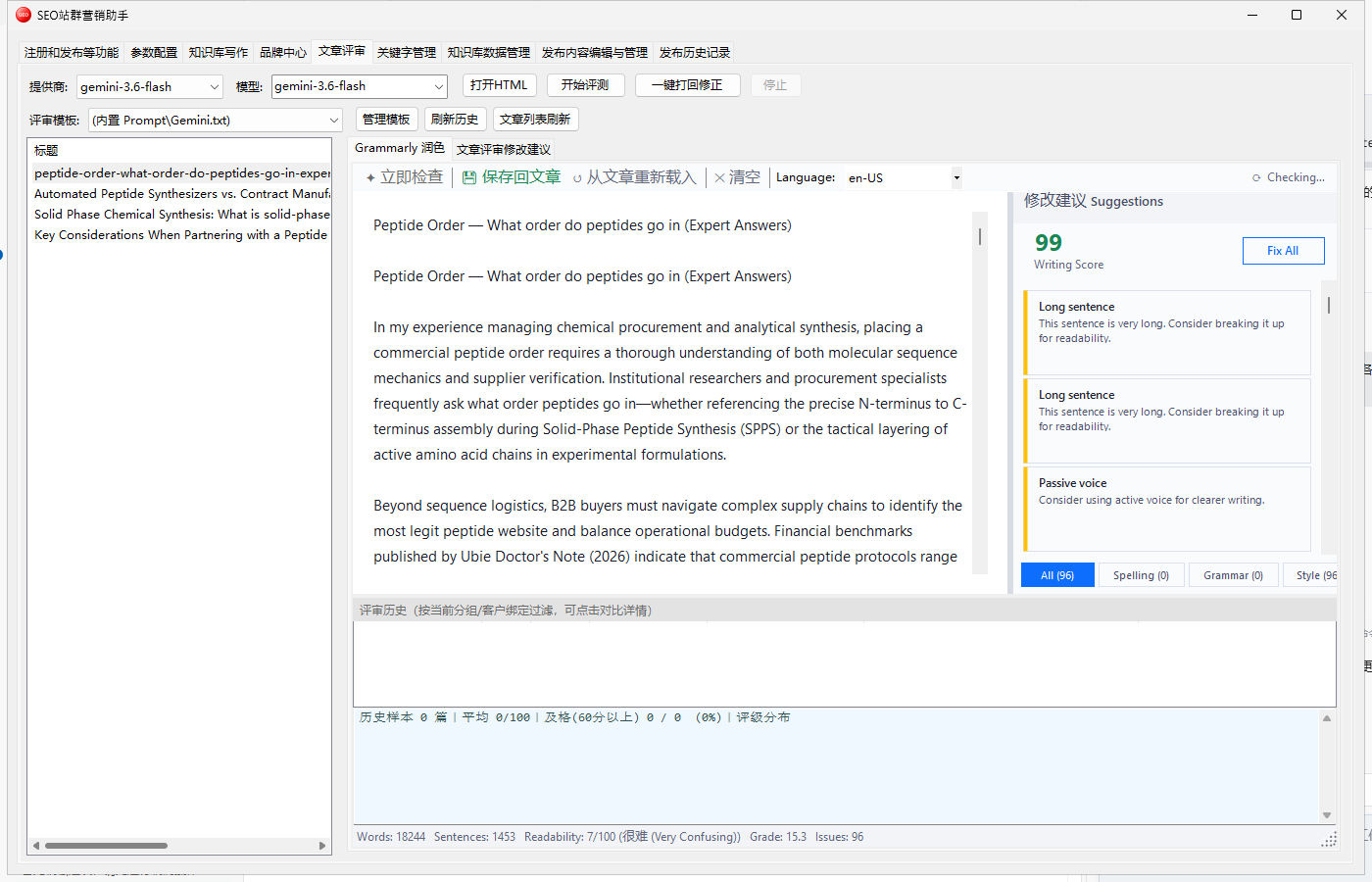
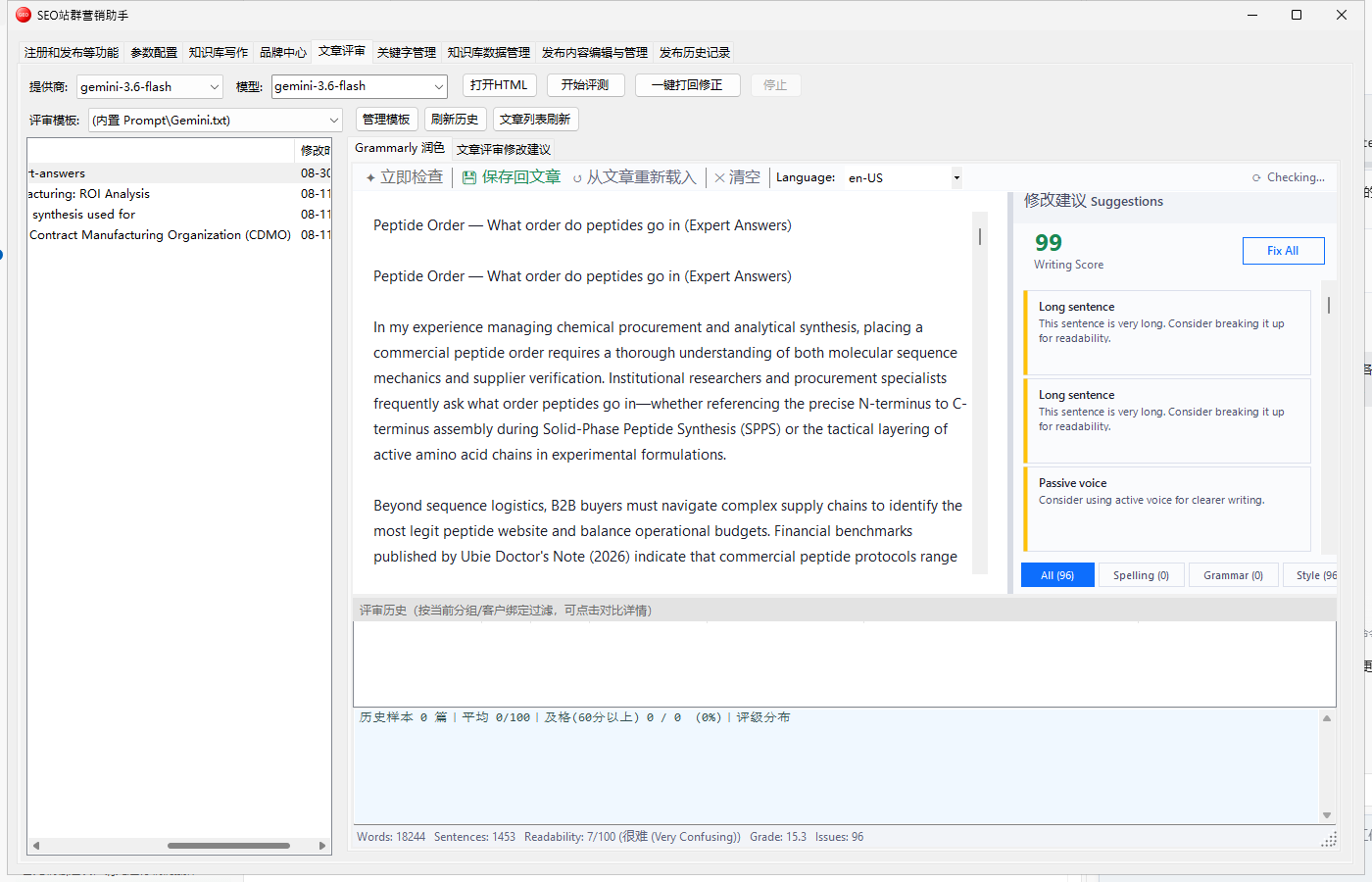
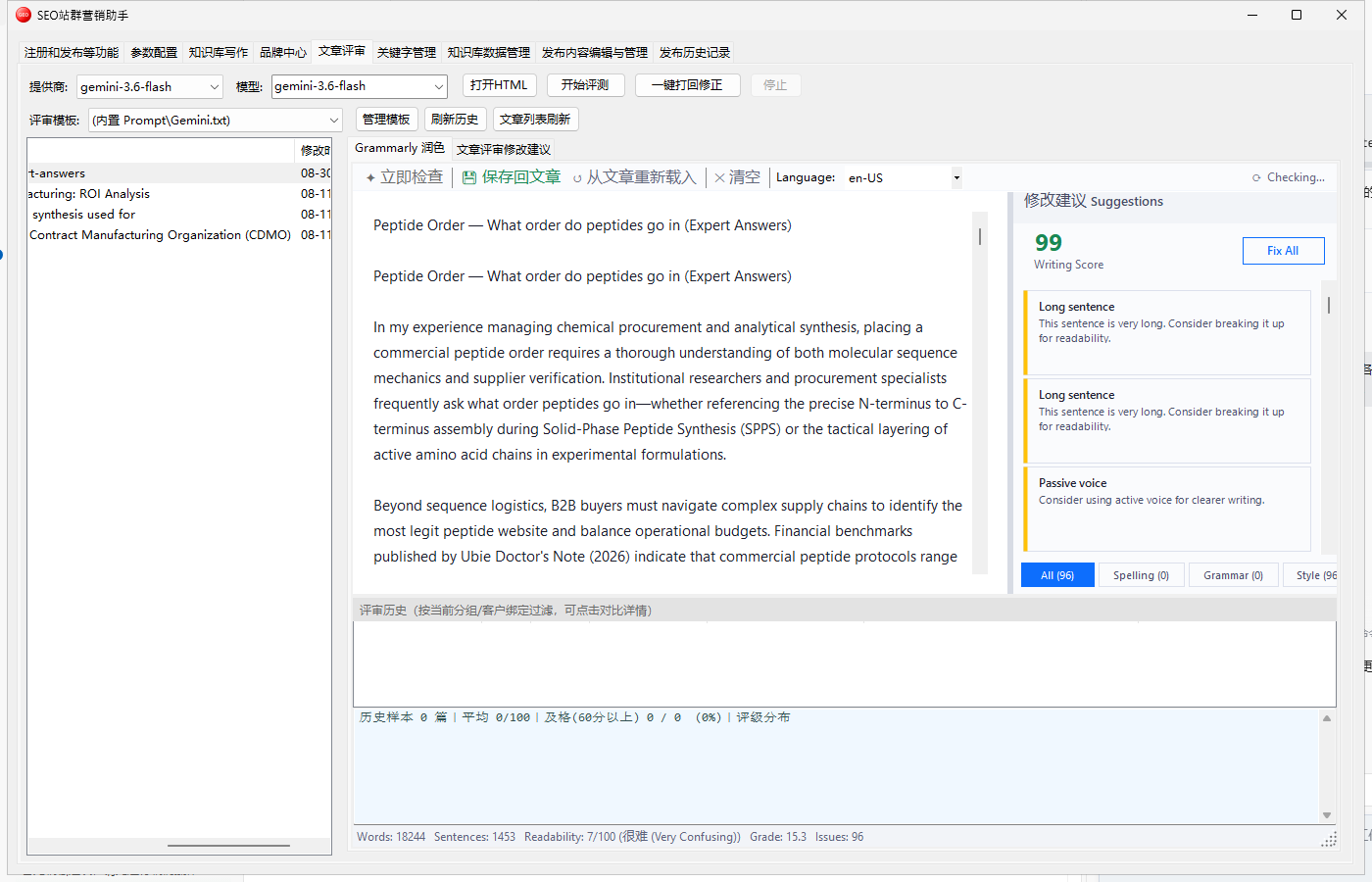
Score every article against Google EEAT (Experience, Expertise, Authoritativeness, Trust) with actionable fixes — a mandatory quality gate before publishing.
Organise head and long-tail keywords in groups bound to target WordPress sites, with CSV import/export and Google ranking lookups.
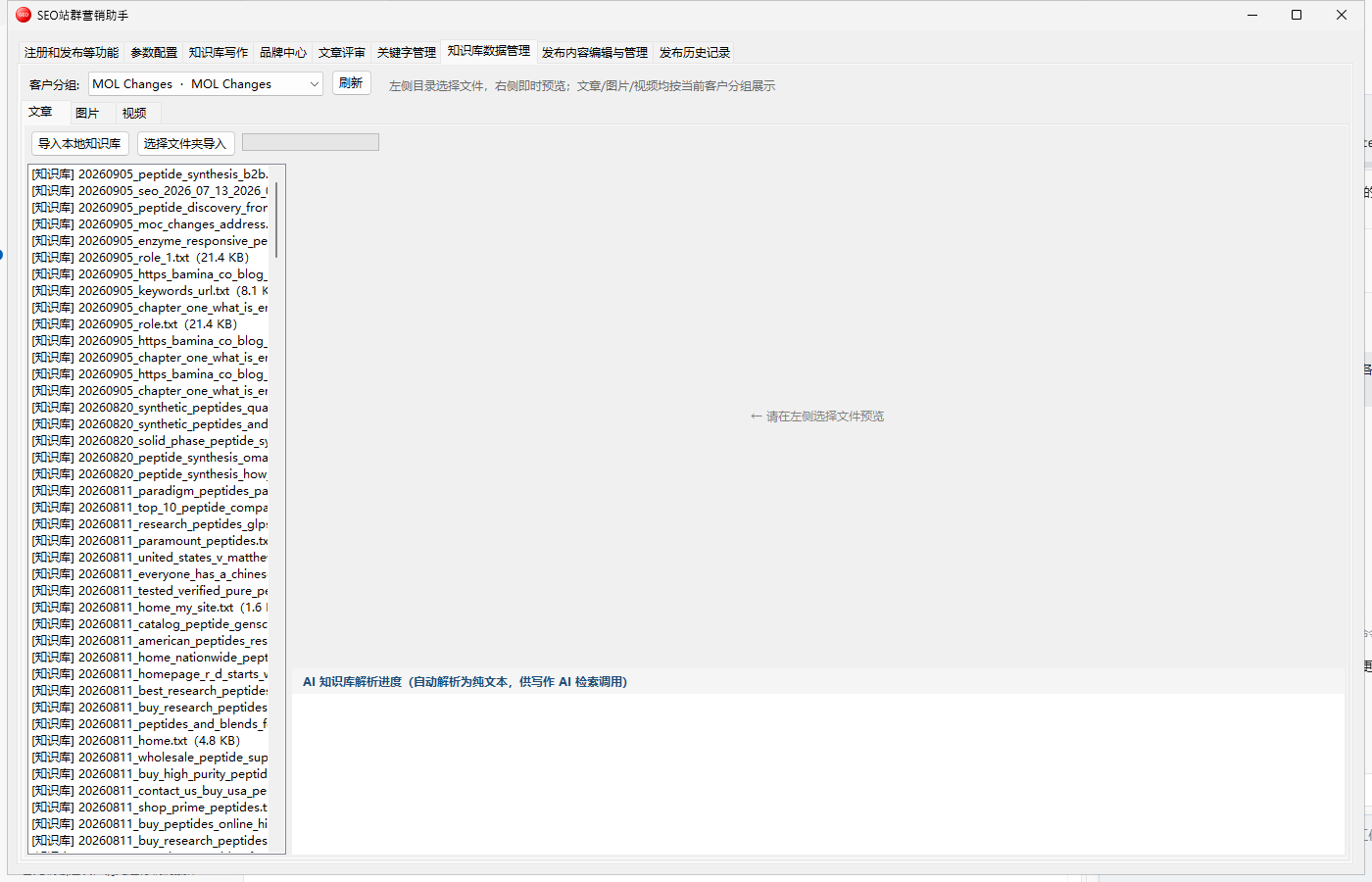
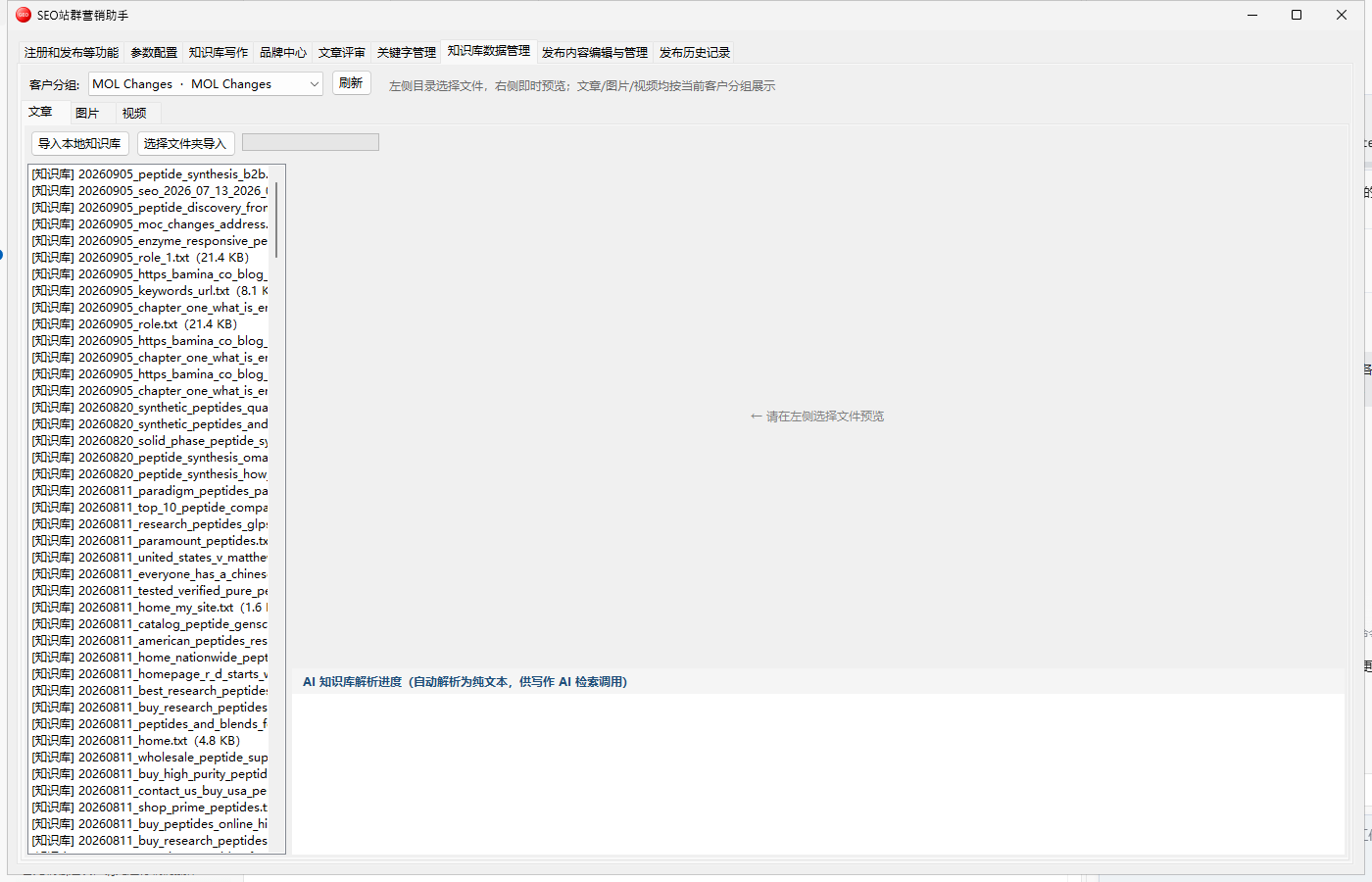
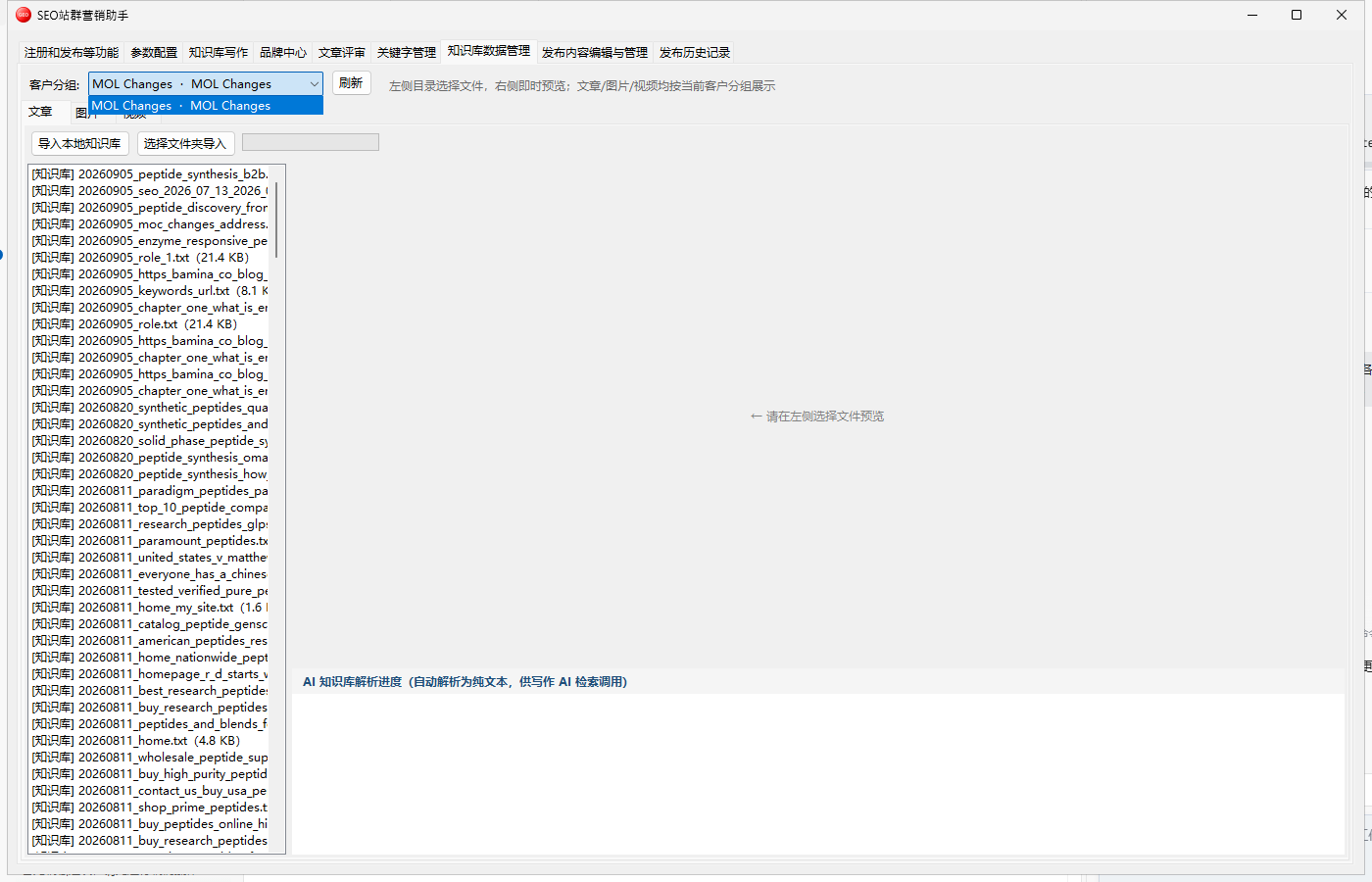
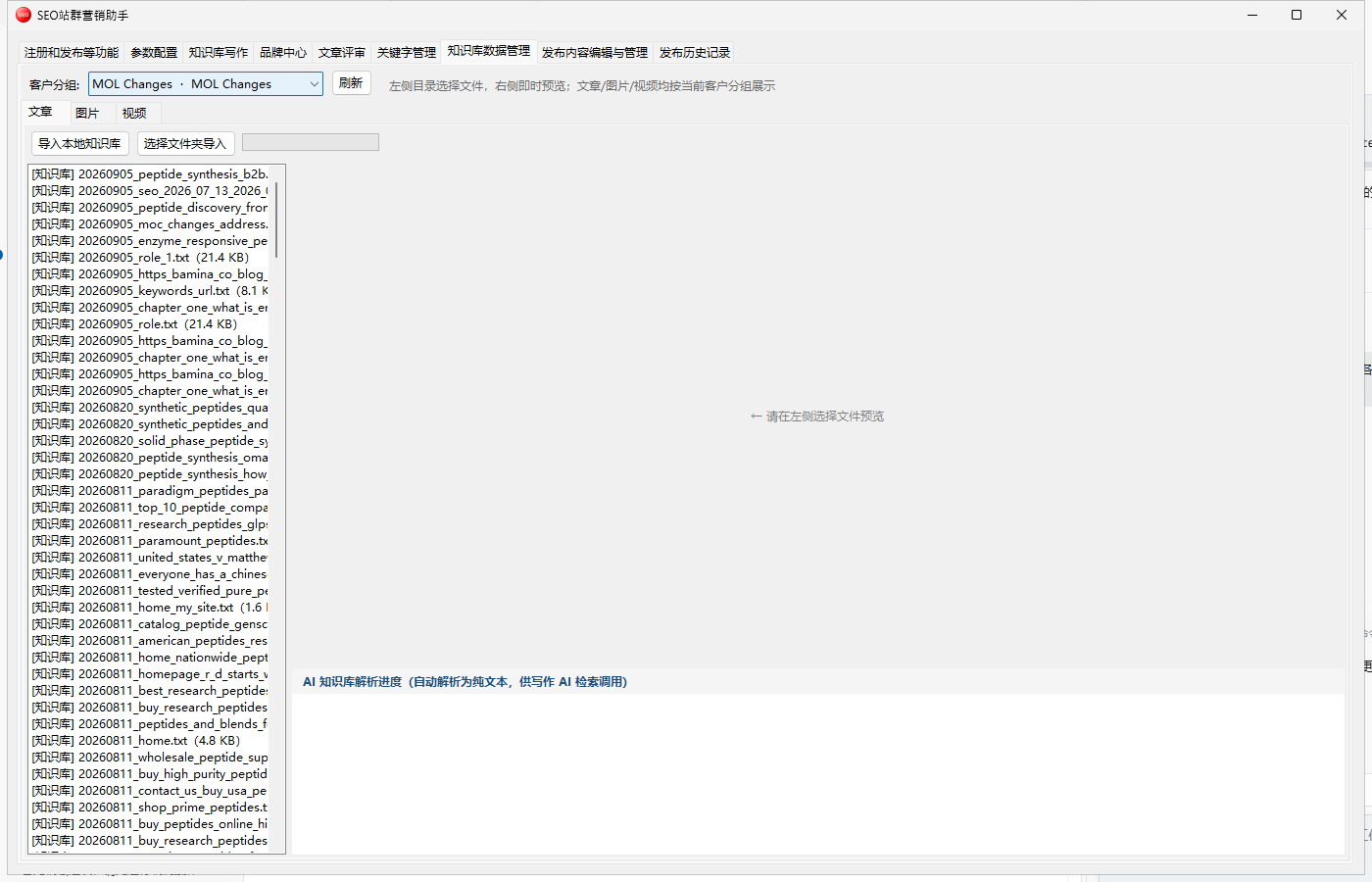
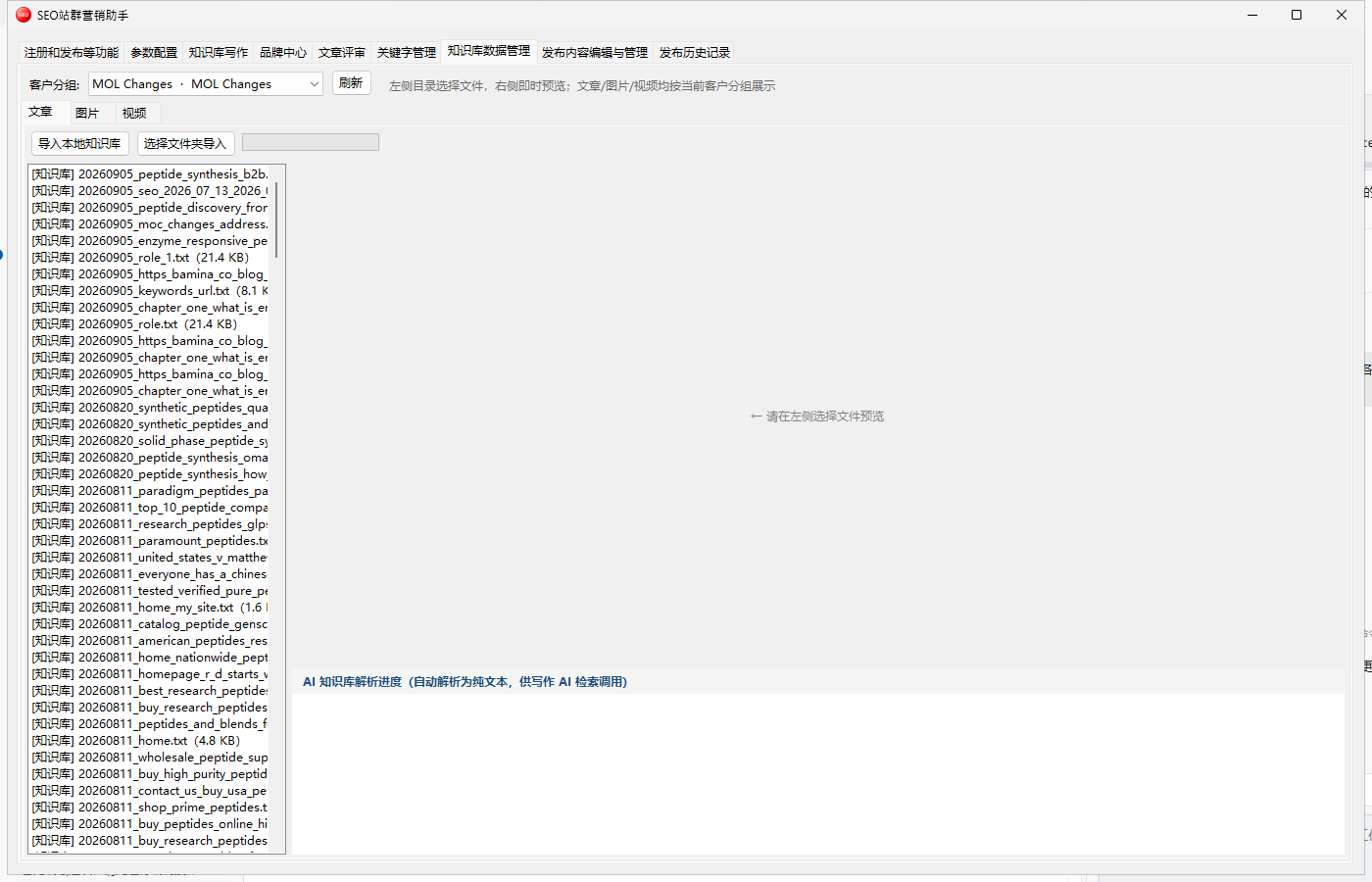
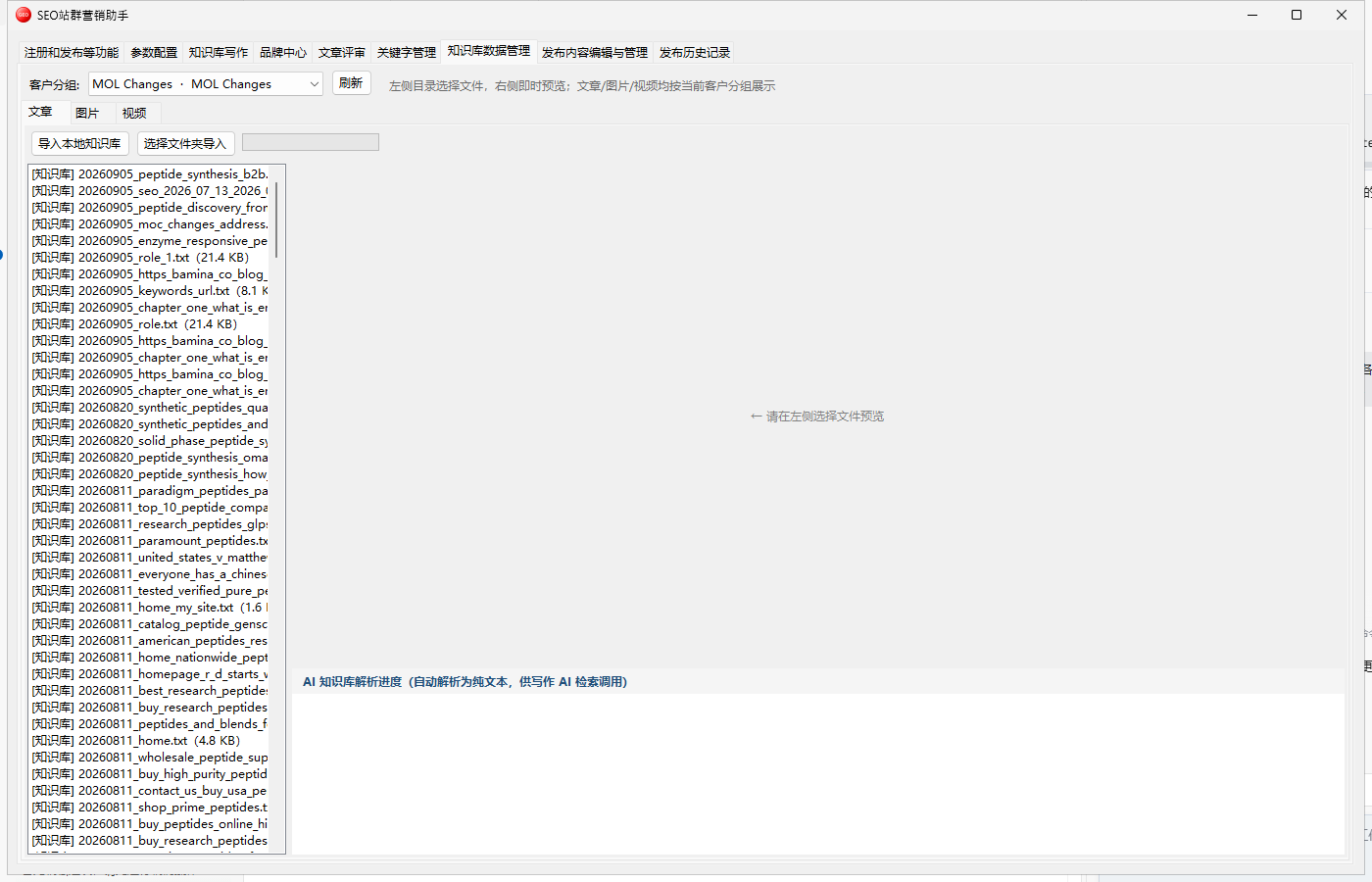
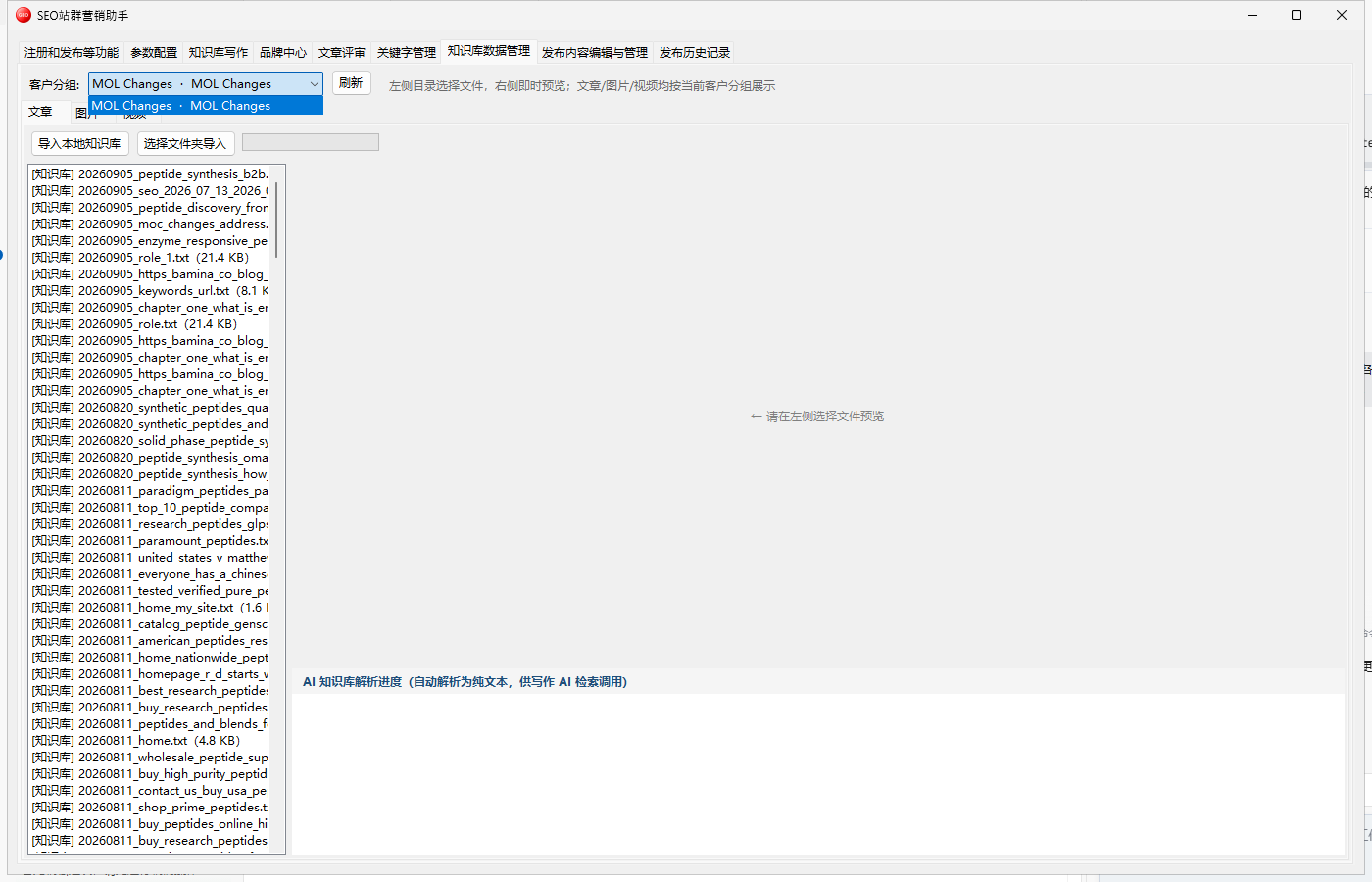
Manage collected and generated articles, images and videos with search, preview and cleanup. Raw competitor articles are archived by date.
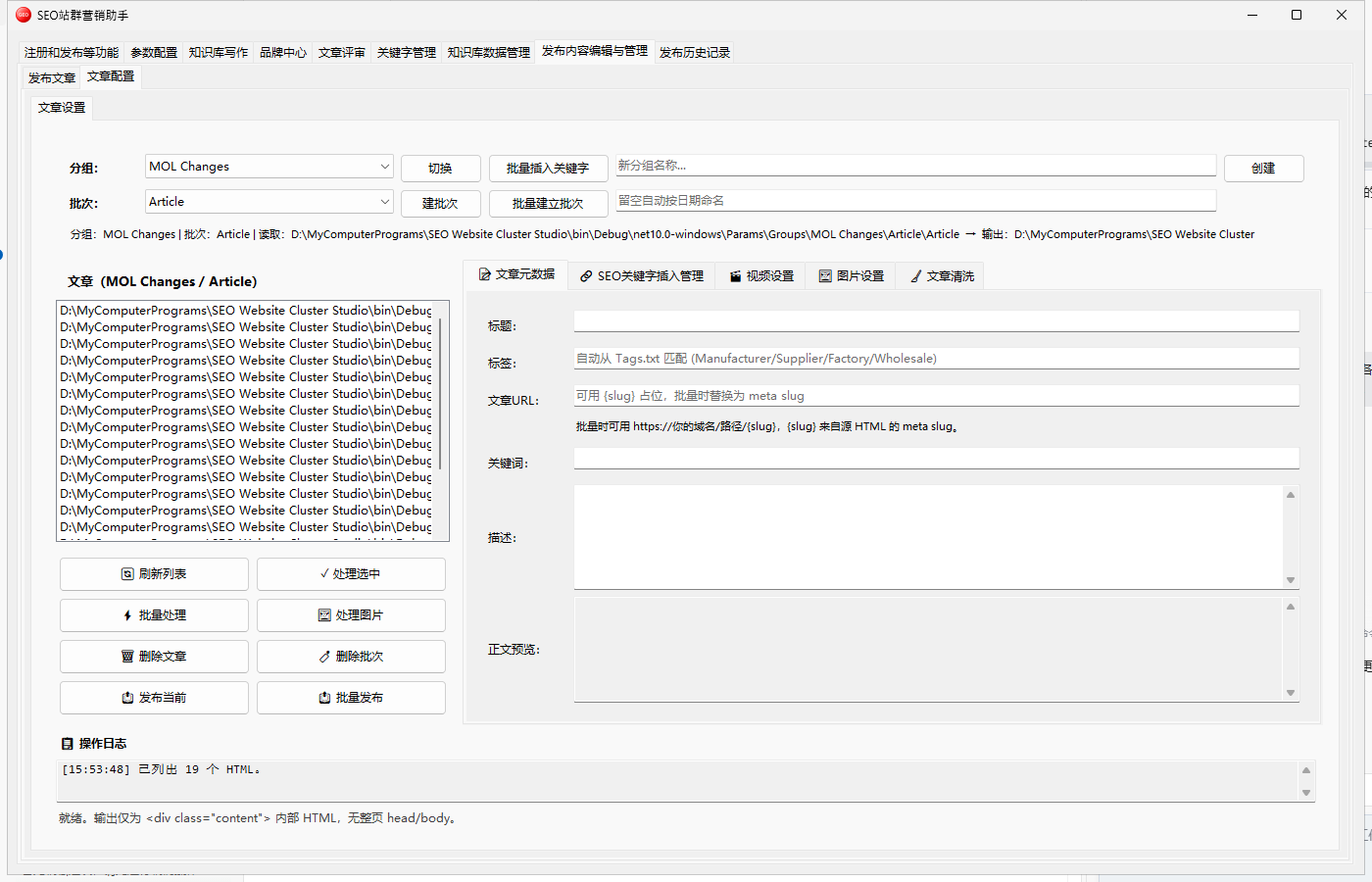
Edit title, slug, body, featured image, tags and meta before publishing; batch and scheduled publishing, image compression and WooCommerce product publishing.
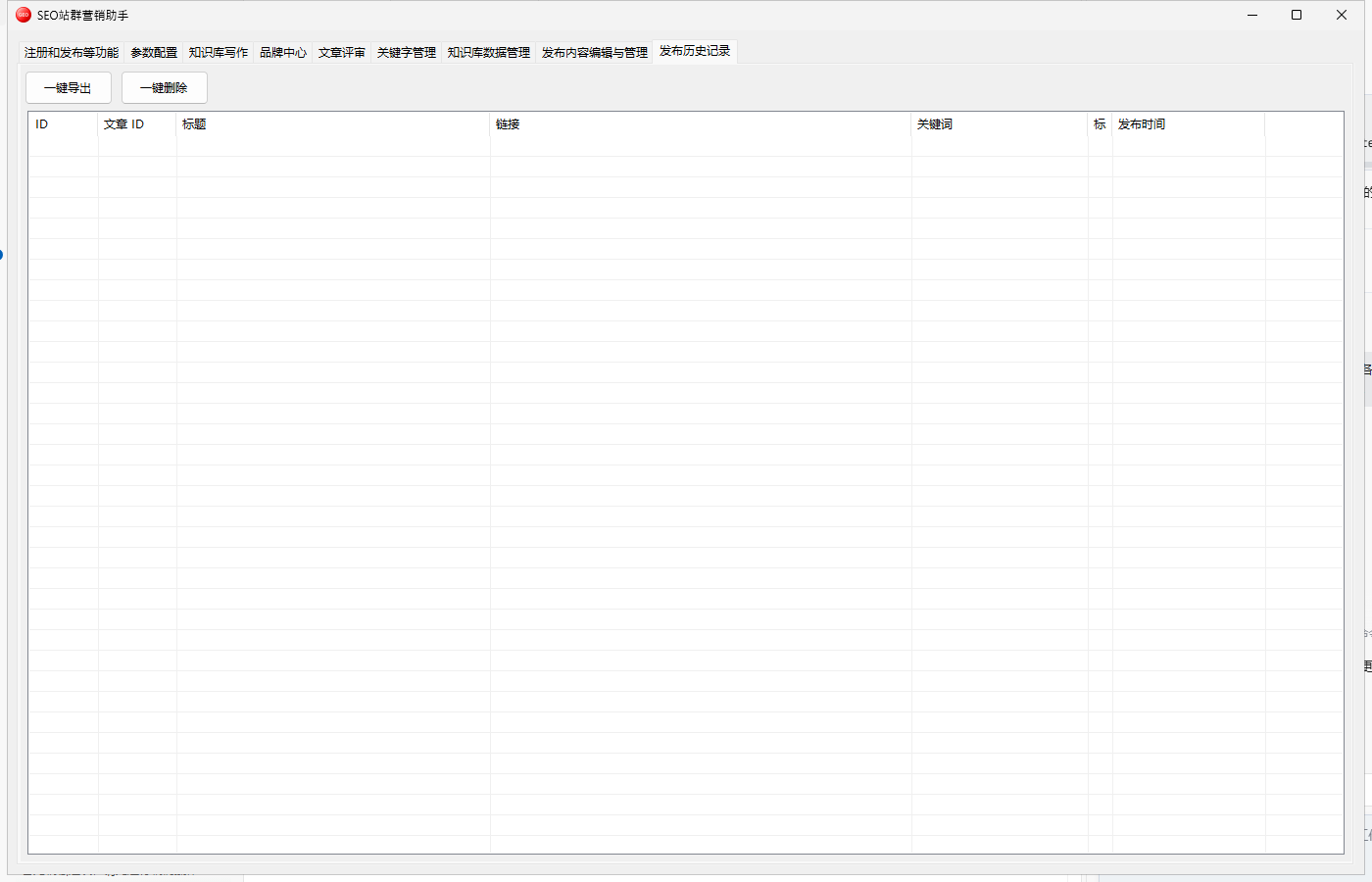
Log every writing and publishing run — timestamps, word counts, target sites, status and errors — for troubleshooting, workload stats and audits.
Core modules are part of every license — they carry the foundation the rest builds on.
Not billed separately — bundled with the modules above.
The Brand Center ships a video page wired to Volcano Doubao Seedance and batch Google Vids generation: pick a topic, get a clip, insert it back into the article. A dedicated top-level video tab handles batch jobs.
Generate illustrations from prompts via Volcano Ark Seedream with size and concurrency controls; results land in the image library, and publishing can keep the original size or apply lossless compression.
Turn any finished article into a PDF archived in a local folder — useful for client hand-off, internal records, or attaching to the published post.
Maintain anchor text, target URLs and weights with two-way CSV import/export; writing automatically injects internal anchors and external references so link structure stops being manual work.
An embedded browser collects Google SERPs and People-Also-Ask questions as a real user would, with domain/region parameters and jittered intervals to avoid captchas. Competitor articles are downloaded and their bodies extracted.
Open Google Search Console in one click and pull clicks, impressions, CTR and average position, then use real performance to steer the next topic batch.
Collect website form enquiries and WooCommerce B2C orders in tabbed views, export to Excel and reply by email — closing the loop from content traffic to actual revenue.
Beyond articles, publish WooCommerce-ready product pages with the same batch and scheduled publishing, including title, description, featured image and tags.
Every screenshot below comes from the real application.
Site list with filters, add/edit/delete, and bulk CSV or Excel import and export.
Text, video and image providers configured separately — swap models freely.
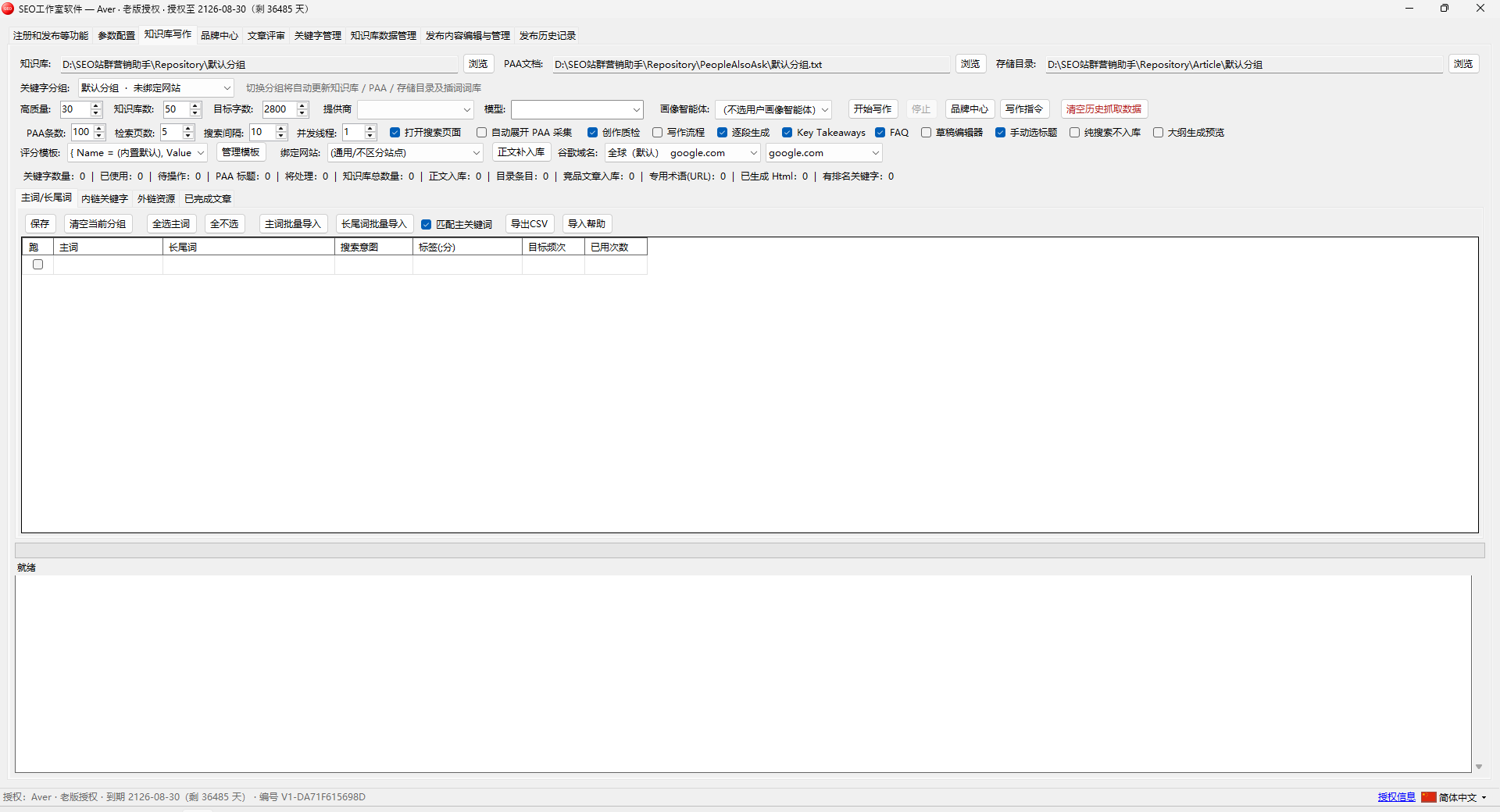
Path setup, keyword groups, writing parameters, PAA options and engine selection.
Tick the keywords for this batch; import, export and manage in bulk.
Anchor text, target URLs and weights, injected into the body while writing.
Manage external anchors and source categories for a more credible citation profile.
Review generated output with word counts and file status, ready for review or publishing.
One place for brand profiles, client sites, personas and AIGC asset generation.
Name, description, positioning, logo, brand colours and tone — who the writing sounds like.
Maintain each client site’s type and descriptive tags so tone matches the site.
Roles, pain points, motivations and decision factors, injected as role instructions.
Topic, duration, aspect ratio, audio and watermark options, generated by the video model.
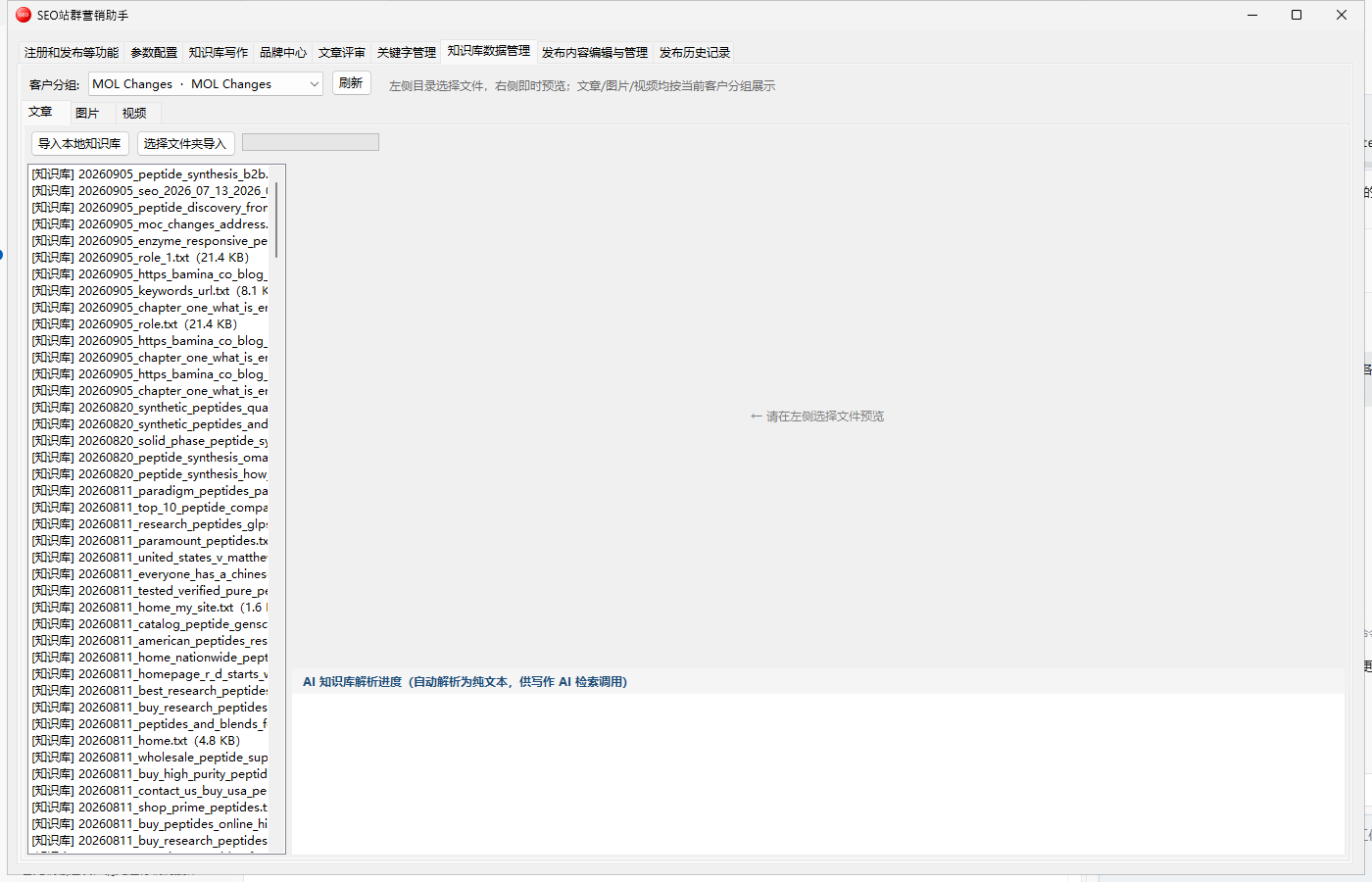
Prompt and size settings; batch results drop straight into the media library.
Select an article and export a PDF archived to a local folder.
Four-dimension scoring with improvement suggestions — a mandatory gate before publishing.
Groups on the left, details on the right, bound to target sites with Google ranking lookups.
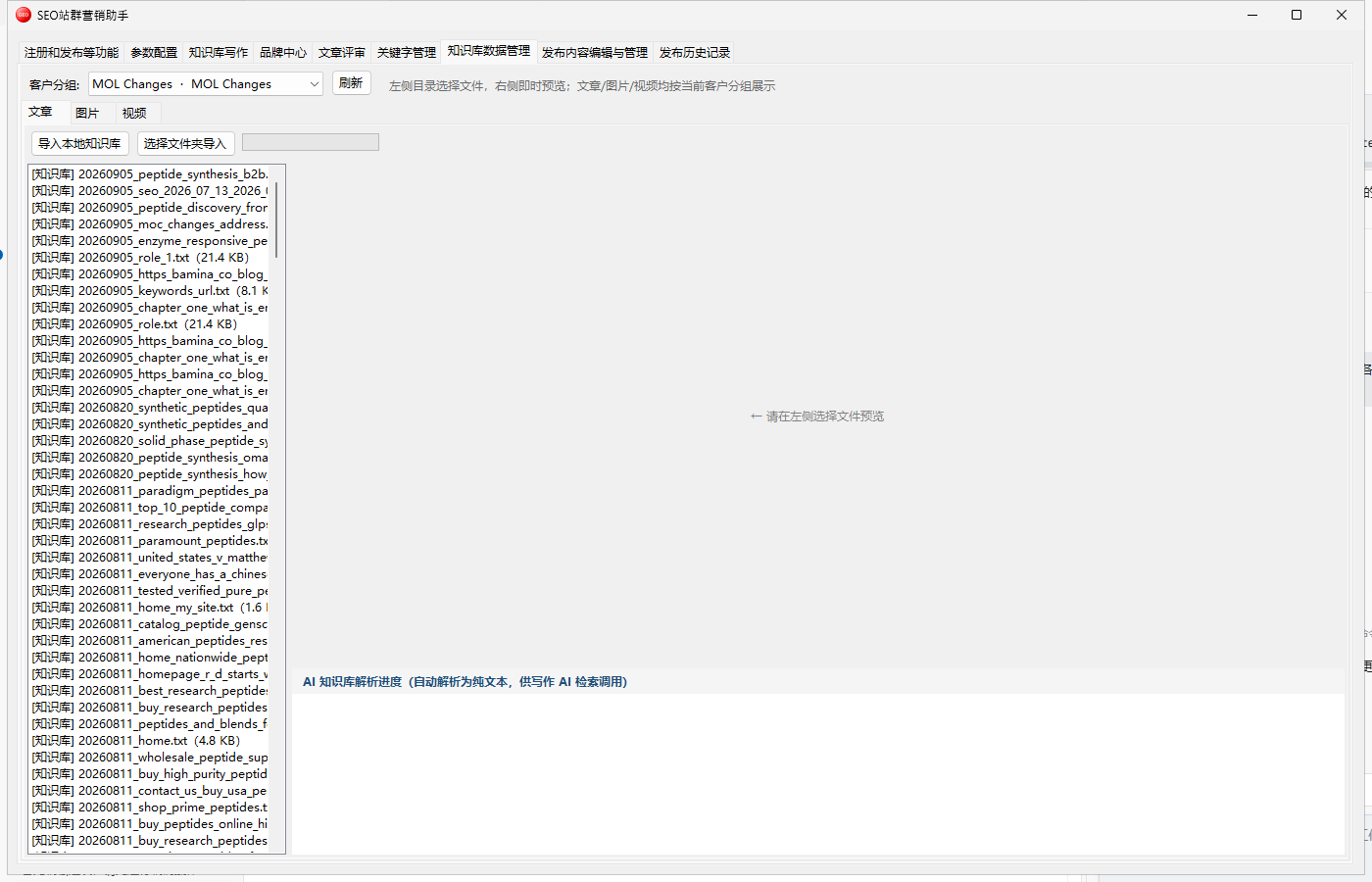
Browse, preview and clean up article, image and video material.
Article and product publishing sub-pages, including batch and scheduled publishing.
Article list on the left; title, slug, body and featured image editing on the right with image options.
Publish product pages to WordPress, WooCommerce-ready.
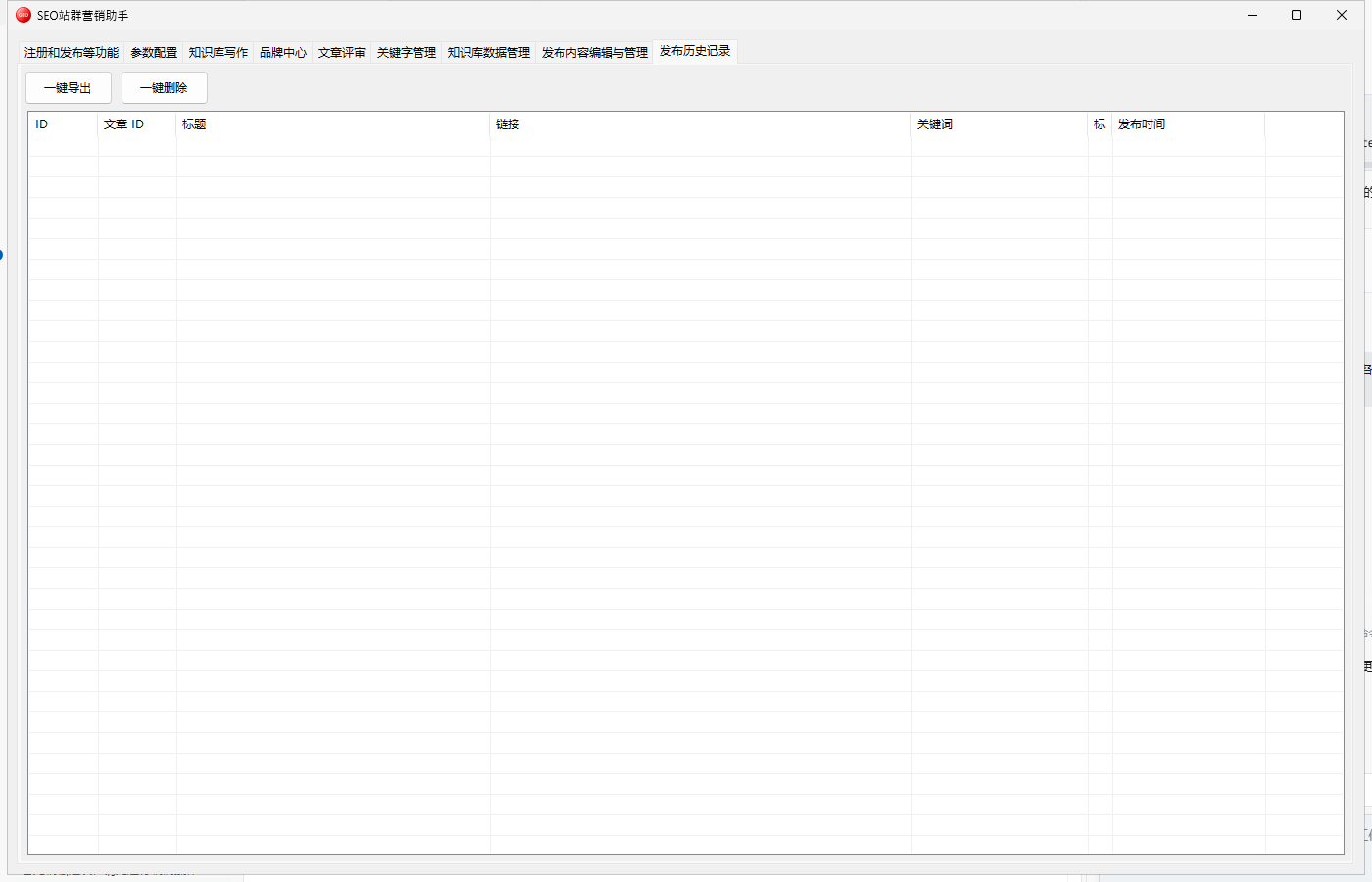
Timeline of writing and publishing with statuses and errors for troubleshooting and workload stats.