Trial availability & limits
Contact UK BIG SEA support with your Windows version and intended workflow before buying if compatibility is unclear. A self-service trial is not currently advertised.
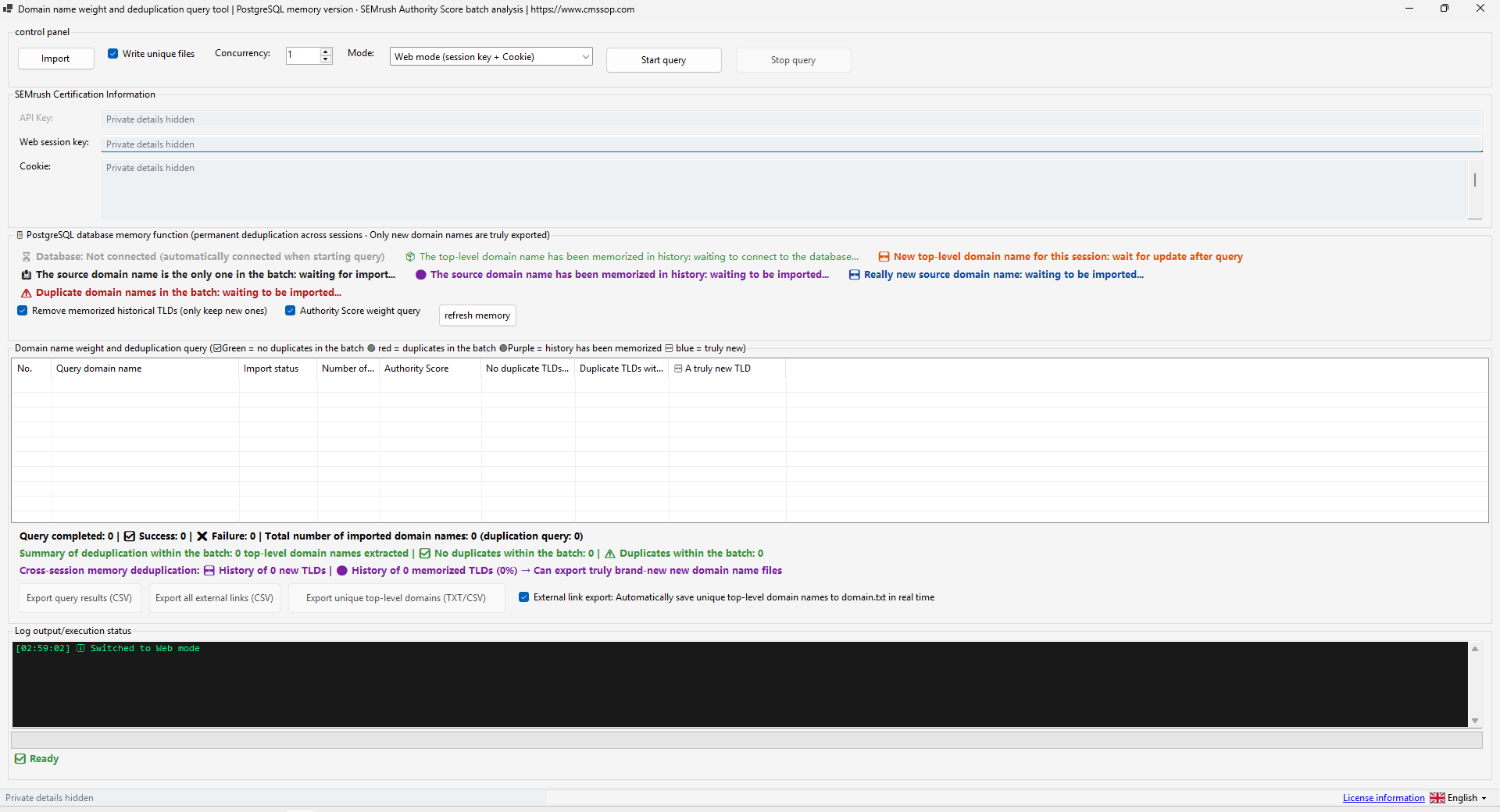
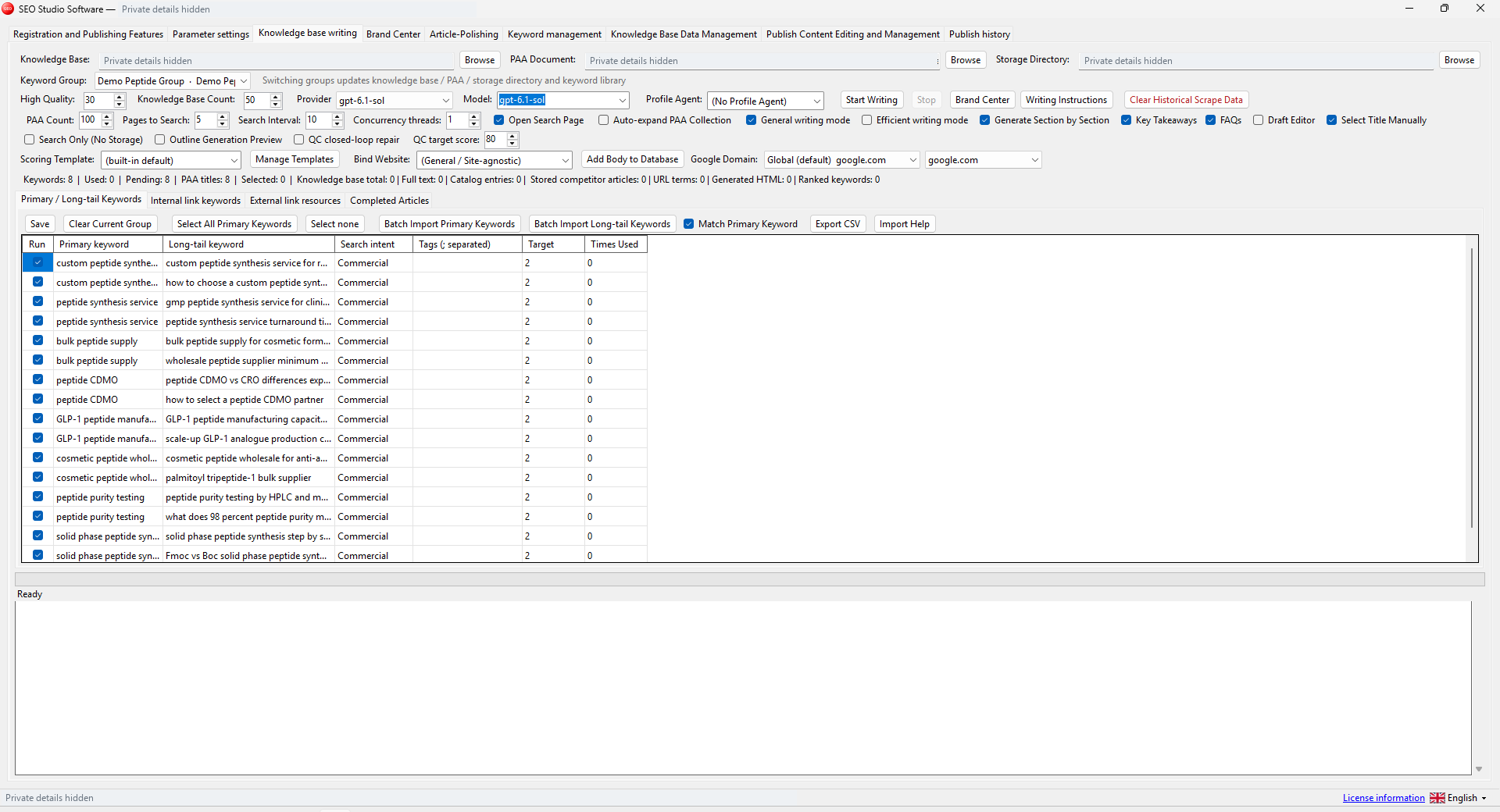
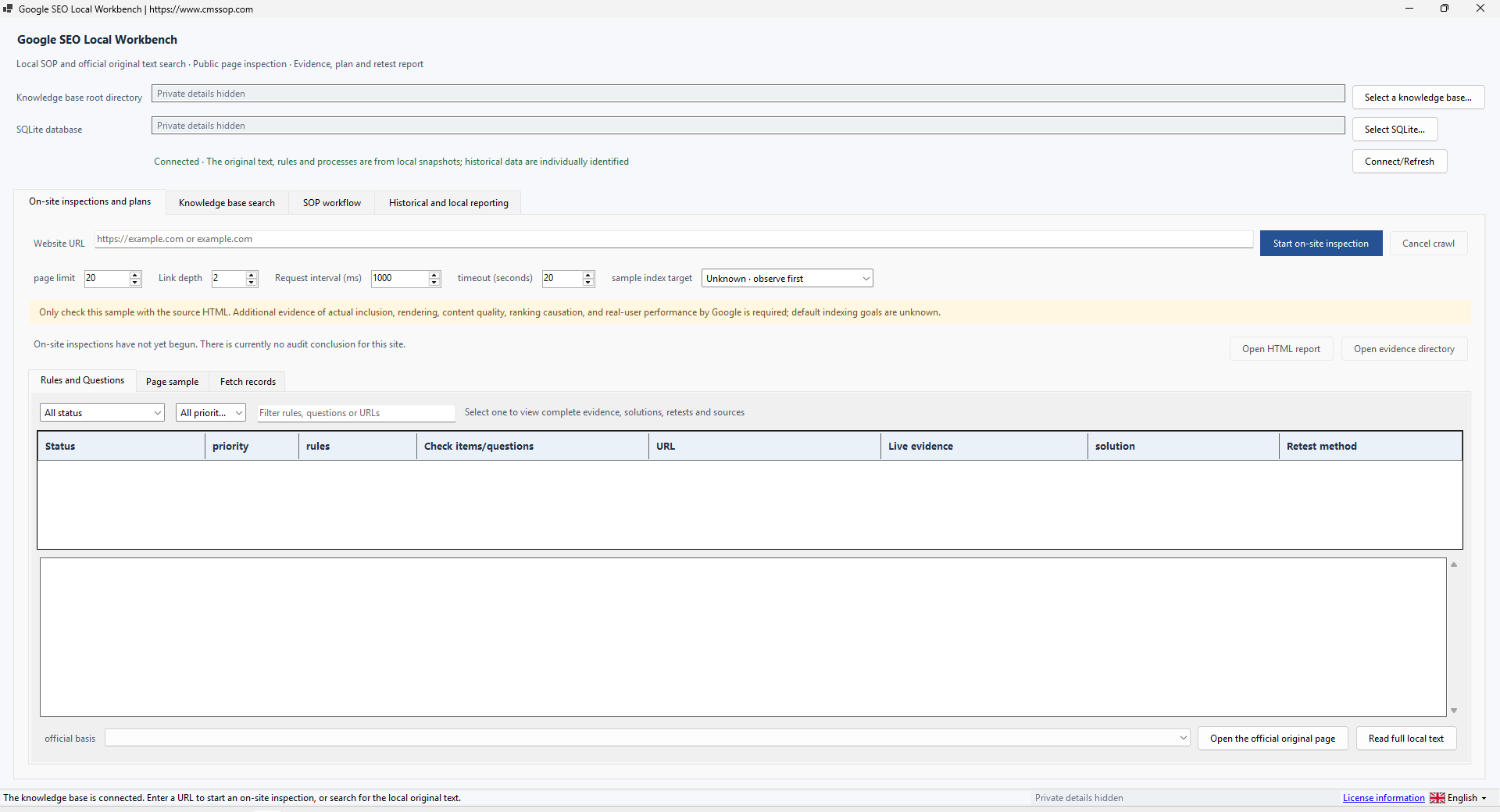
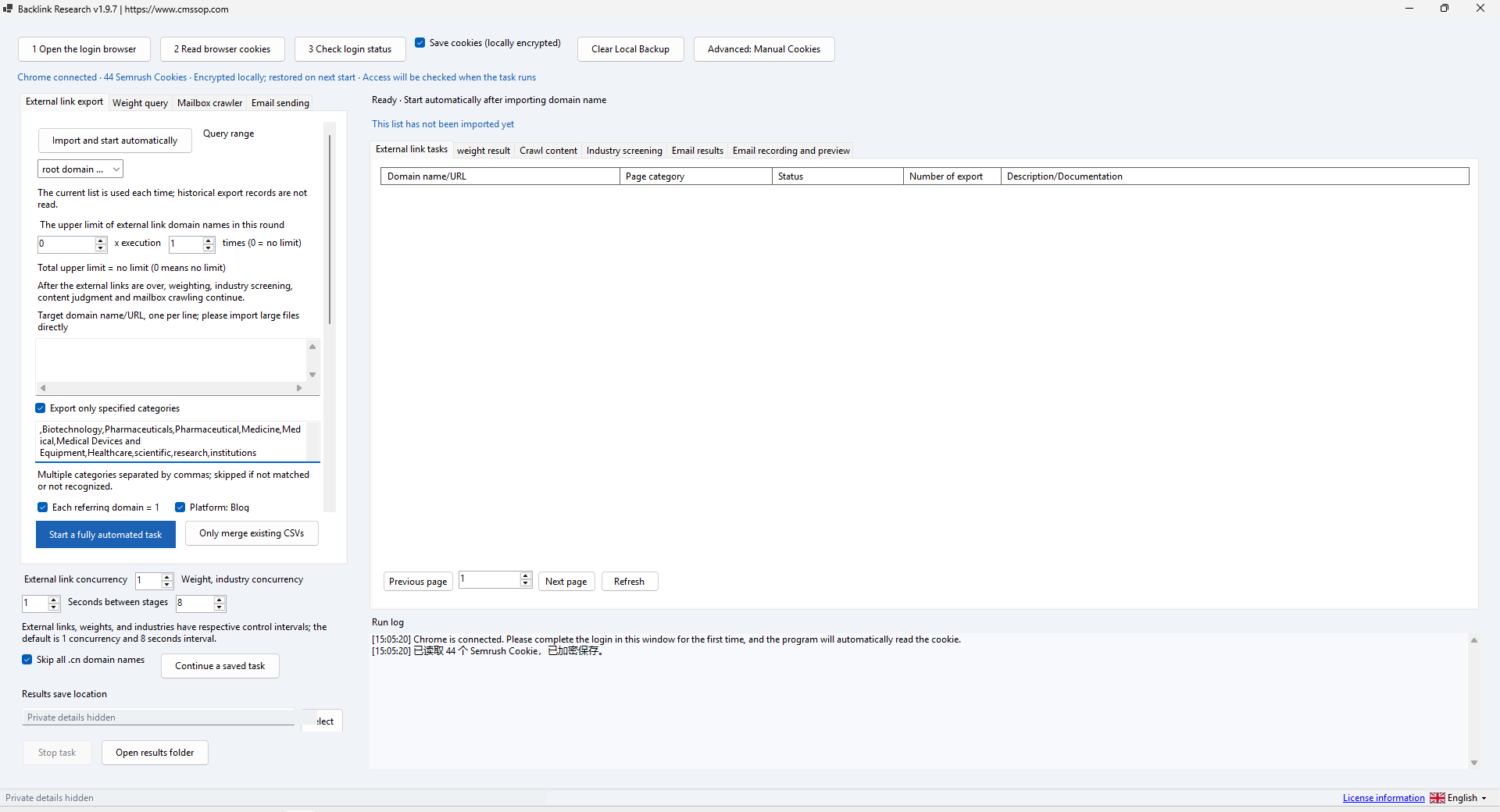
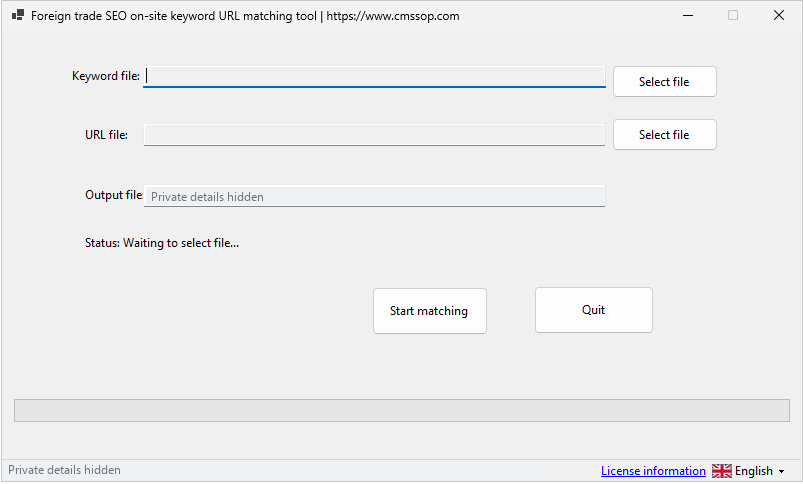
Actual application screenshot · Click to enlarge
Process domain lists, filter backlink categories and export research data through your own Semrush access
After confirmed USDT (TRC20) payment, your software download and product-specific activation details are issued automatically in your customer account. Use the email sign-in link for first access. Incorrect payment amounts may need support.
Check compatibility, licensing and support before placing an order.
Contact UK BIG SEA support with your Windows version and intended workflow before buying if compatibility is unclear. A self-service trial is not currently advertised.
Windows x64; included .NET runtime; your own compatible Semrush access. PostgreSQL is optional for persistent storage.
One named user per licence. Extra team members need their own licences. No redistribution or sharing activation details. The listed price covers one year.
Includes available updates during the paid year. Renewal is a separate purchase at the then-current price; there is no automatic charge.
Check the help center for available support options. Include your product, version, Windows version, steps and a redacted error message. Support covers installation and product issues; it excludes SEO operations, content production and third-party subscriptions. No response-time SLA is advertised.
Process domain lists, filter backlink categories and export research data through your own Semrush access.
Use Domain Analyzer when you already have a list of domains and want to organize backlink research. It uses data returned through your Semrush access. It does not include its own backlink index or a Semrush subscription. Cms Sop is independent of Semrush.
Extract all program files together, use the included .NET runtime and launch DomainAnalyzer.exe. Prepare a UTF-8 TXT file with one domain or website URL per line. Start with two test entries. Keep a copy of your input: interrupted work may preserve or update the remaining-domain list.
Select API or Web mode according to the access you legitimately have. Enter the matching settings in the application. The presence of a normal subscription does not guarantee the API entitlement required by an endpoint. Keep API keys and session cookies private and never include them in screenshots or support tickets. A valid test response is required before running a large list.
Use category filters when you only want a particular backlink type, such as Blog, Directory, Reference or Forum. Start with a low thread count and use a small batch. Treat Authority Score as a provider metric, not a promise that a backlink is safe or valuable. Optional PostgreSQL storage supports persistent deduplication; when it is unavailable the interface may fall back to session-only deduplication.
Import the TXT file and review domain normalization before starting. Observe the progress and error log. If requests are rejected or a limit is reached, stop and check the account and provider rules. The supplied build includes a stop path after repeated HTTP 403 responses; do not keep increasing concurrency to force access.
Review a few rows before exporting. Export CSV for downstream analysis, or the dofollow output when that is the specific scope you need. Confirm column meanings, encoding, row counts and the active category filter. Incremental auto-export can preserve progress, but does not replace checking the final output. Empty results may mean a filter removed all rows or the provider did not return data.
Authentication failures require valid access from your own provider account. Network errors and provider schema changes are different from having no backlinks. Check the log for the failed stage, retain the unprocessed list and retry a small batch after correcting the cause. Back up configuration privately; export research data separately so credentials are never distributed with it.
Offline demonstrations can verify startup, input handling and configuration screens. They cannot prove a live Semrush retrieval. No paid data request or successful external export is implied by a configuration screenshot.
Use domain-list processing and provider data to organize research. Check the date, coverage and relevance of the evidence before drawing a conclusion.
Domain Analyzer: clean and review your domain list explains the inputs, review steps and common mistakes before a larger batch.