Trial availability & limits
Contact UK BIG SEA support with your Windows version and intended workflow before buying if compatibility is unclear. A self-service trial is not currently advertised.
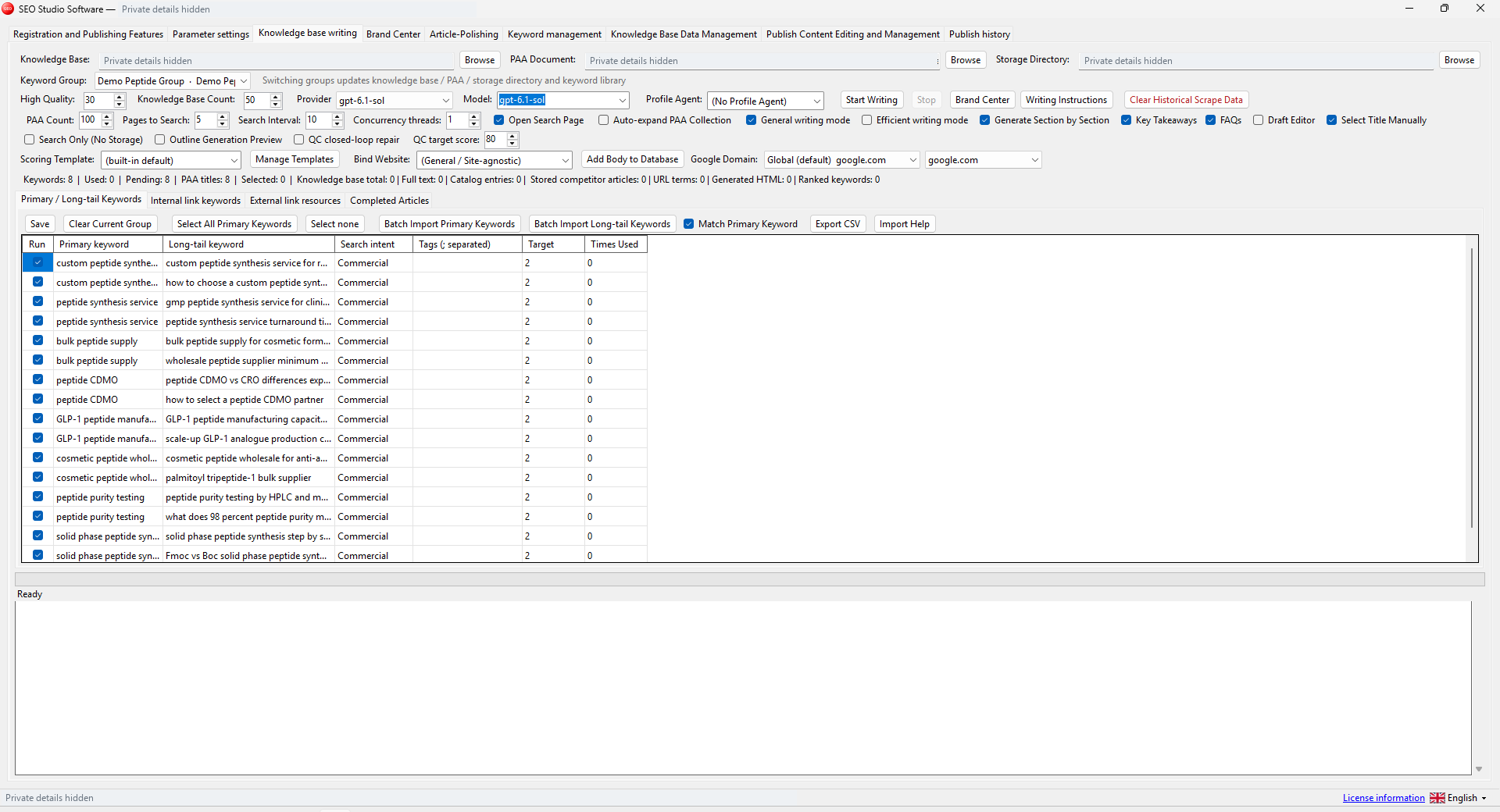
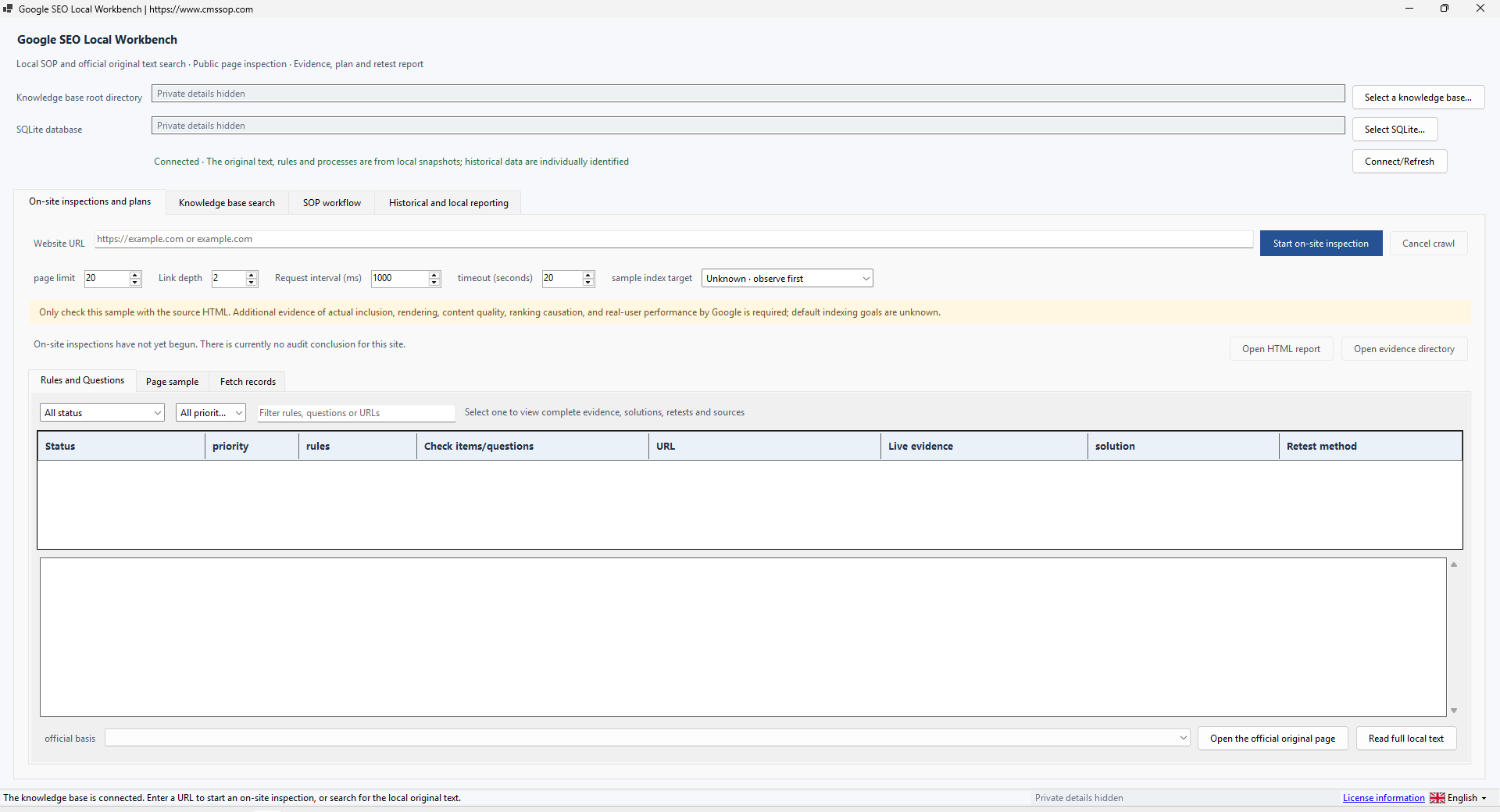
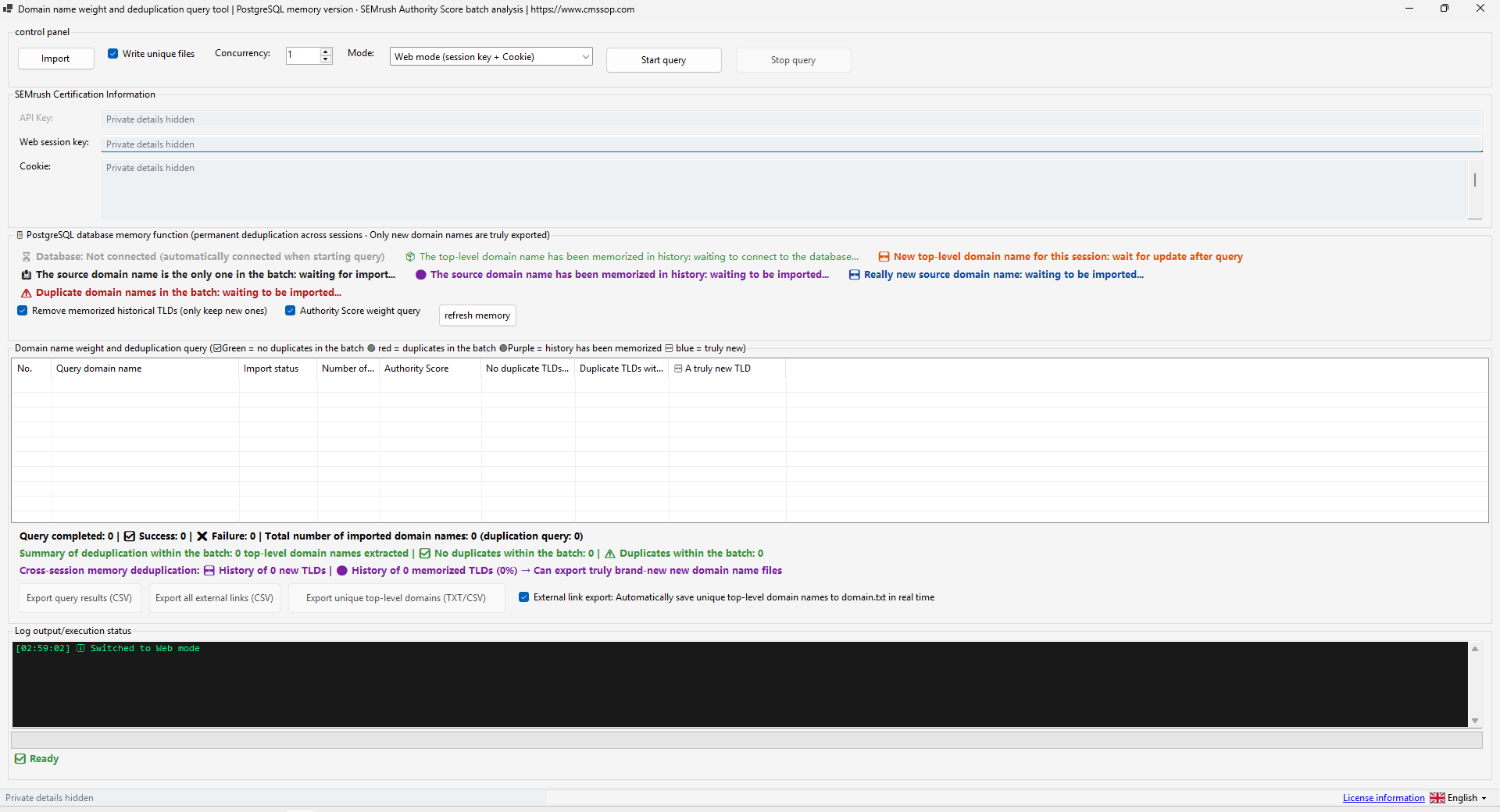
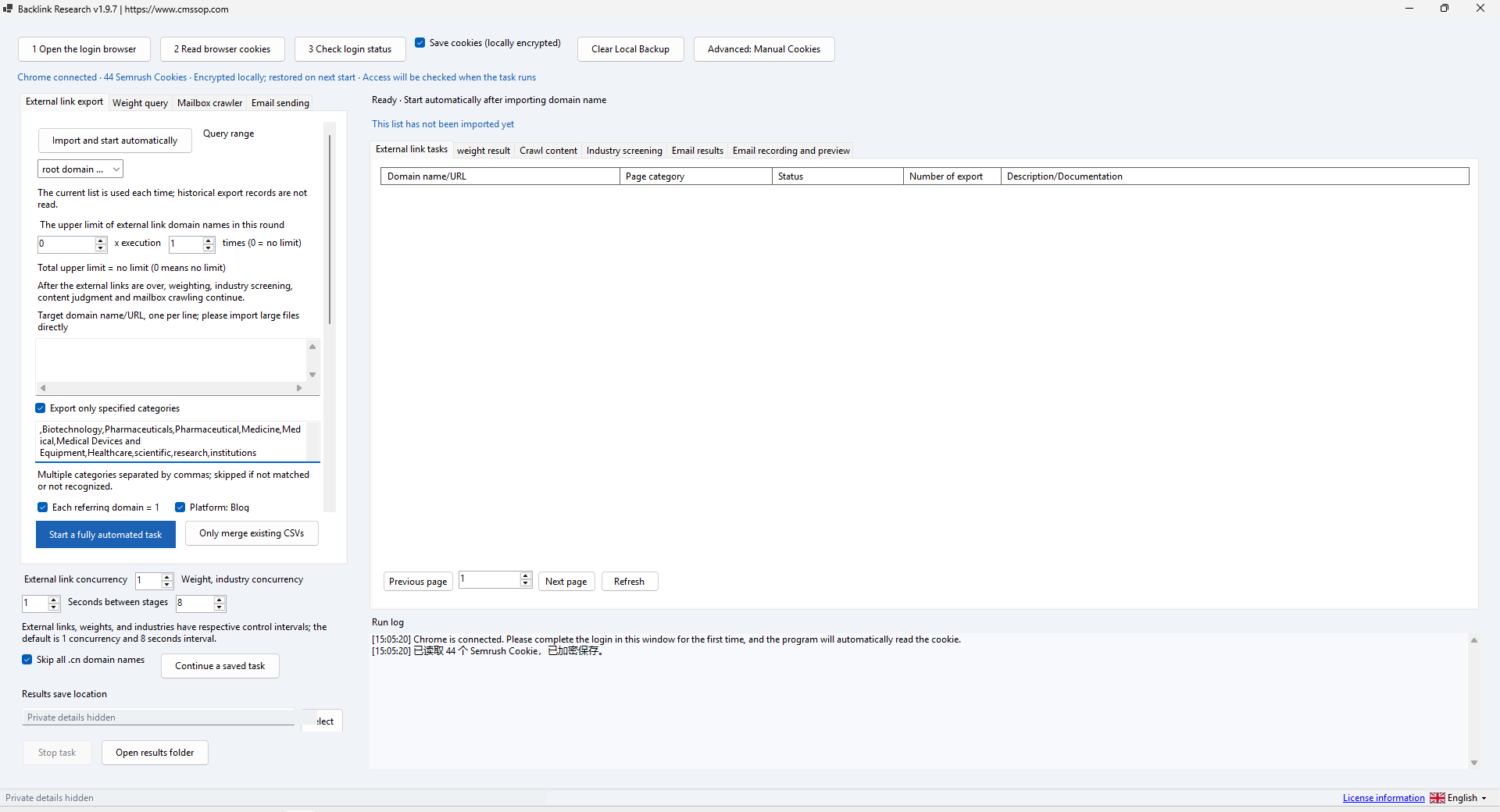
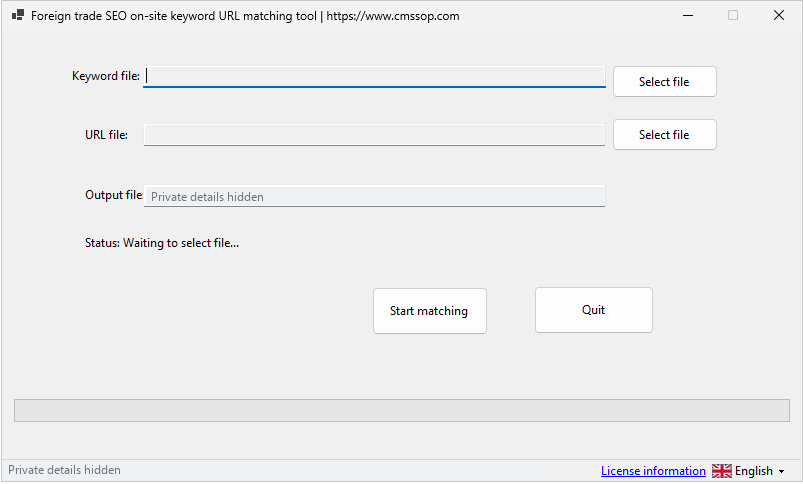
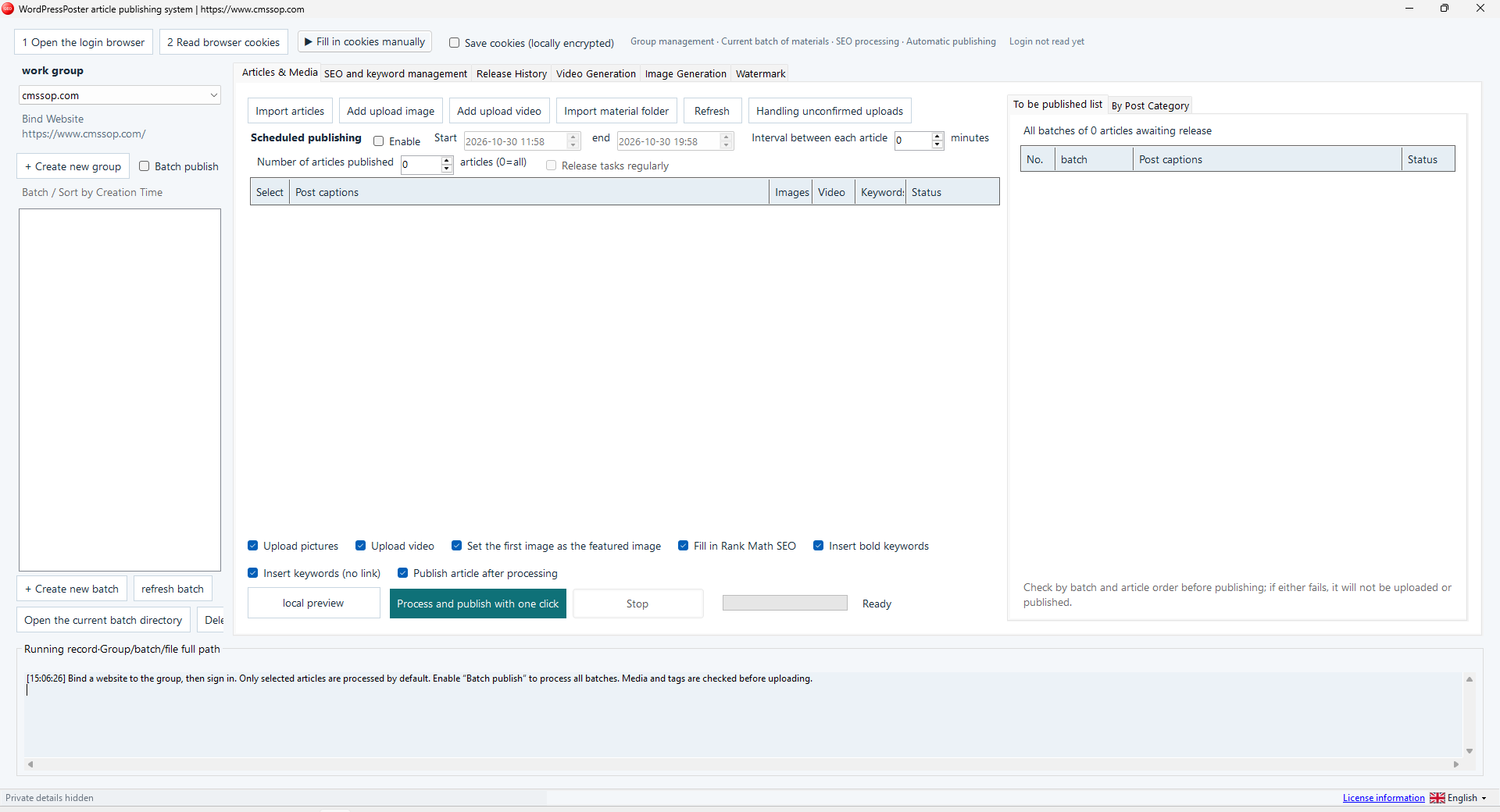
Actual application screenshot · Click to enlarge
Interface tour using existing Studio screenshots and workflow illustrations. English narration & captions; Chinese application interface.
Bring knowledge, brand context, content review and publishing into one desktop SEO workflow
After confirmed USDT (TRC20) payment, your software download and product-specific activation details are issued automatically in your customer account. Use the email sign-in link for first access. Incorrect payment amounts may need support.
Check compatibility, licensing and support before placing an order.
Contact UK BIG SEA support with your Windows version and intended workflow before buying if compatibility is unclear. A self-service trial is not currently advertised.
Windows x64; included .NET runtime; valid activation; WebView2 for embedded browser features. Extract the entire package to a writable folder.
One named user per licence. Extra team members need their own licences. No redistribution or sharing activation details. The listed price covers one year.
Includes available updates during the paid year. Renewal is a separate purchase at the then-current price; there is no automatic charge.
Check the help center for available support options. Include your product, version, Windows version, steps and a redacted error message. Support covers installation and product issues; it excludes SEO operations, content production and third-party subscriptions. No response-time SLA is advertised.
Bring knowledge, brand context, content review and publishing into one desktop SEO workflow.
Cms Sop SEO Studio is the complete content workspace in the Cms Sop collection. It is intended for operators who already have source material and want to organize the path from research to reviewed content and publication. Buying Studio does not include the five separately listed utilities.
Use a Windows x64 computer with a writable local folder. Extract the complete package and launch SEO Studio Software.exe. Keep its supporting files together. The supplied build contains its .NET runtime. Some embedded browser functions also require Microsoft Edge WebView2. A valid software activation is required; do not assume a free trial. AI calls, connected websites and data providers require your own accounts and budgets.
Complete the software activation with the details supplied for your purchase. Create a group for one website or client. Use an obvious test group for evaluation. Keep client material in its own group and check the active group before importing, editing or publishing. Add the destination site in the site management area, save it and set it as the current site when needed.
Select your model and enter your own API settings in the provider configuration. Begin with a small, non-confidential text. Confirm the provider endpoint, model availability and billing in that provider's account. Software payment does not fund AI usage. A successful provider connection is separate from a successful writing or publishing task.
Open knowledge-based writing, create the group and import a small source file. The interface supports importing documents and folders; conversion depends on file type and parsing support. Check the extracted plain text before relying on it. Fill the brand profile with factual company and product information. Avoid unsupported claims, invented testimonials and private information that the selected provider should not receive.
Import or add keywords and review their intended landing pages. Select relevant knowledge and brand material, generate an outline and review it before requesting the article. Inspect titles, headings, terminology, links and source accuracy. For keyword insertion, preview the resulting HTML and check that links point to the intended destinations. Repeated keyword insertion is not a substitute for useful writing.
Use the content review area to inspect the article and its metadata. Review the title, slug, description, categories and featured image. Open the local preview and read the output. Test the configured CMS on a staging site before using a live site. Publish only the selected, reviewed article first, then inspect its actual URL and the publishing history before moving to batches.
Activation errors require the matching licence or help from UK BIG SEA support; reinstalling does not create an entitlement. A blank embedded browser may indicate a missing WebView2 runtime. API errors can come from model names, credits, endpoints or provider limits. Publishing errors can come from CMS permissions, credentials or connectivity. Preserve the group and logs before updating; redact credentials before sharing a support report. Back up project files while the application is closed.
The workflow above is based on the supplied build's application resources. Activation, paid AI generation and live CMS publishing require separate credentials and are not represented as completed transactions in the demonstration. SEO scores and AI suggestions are review aids, not a promise of rankings, traffic or orders.
Use source material and brand context to prepare a draft, then review claims and publishing settings. Keep the content workflow connected to a specific customer question.
SEO Studio: prepare and review a source-based draft explains the inputs, review steps and common mistakes before a larger batch.