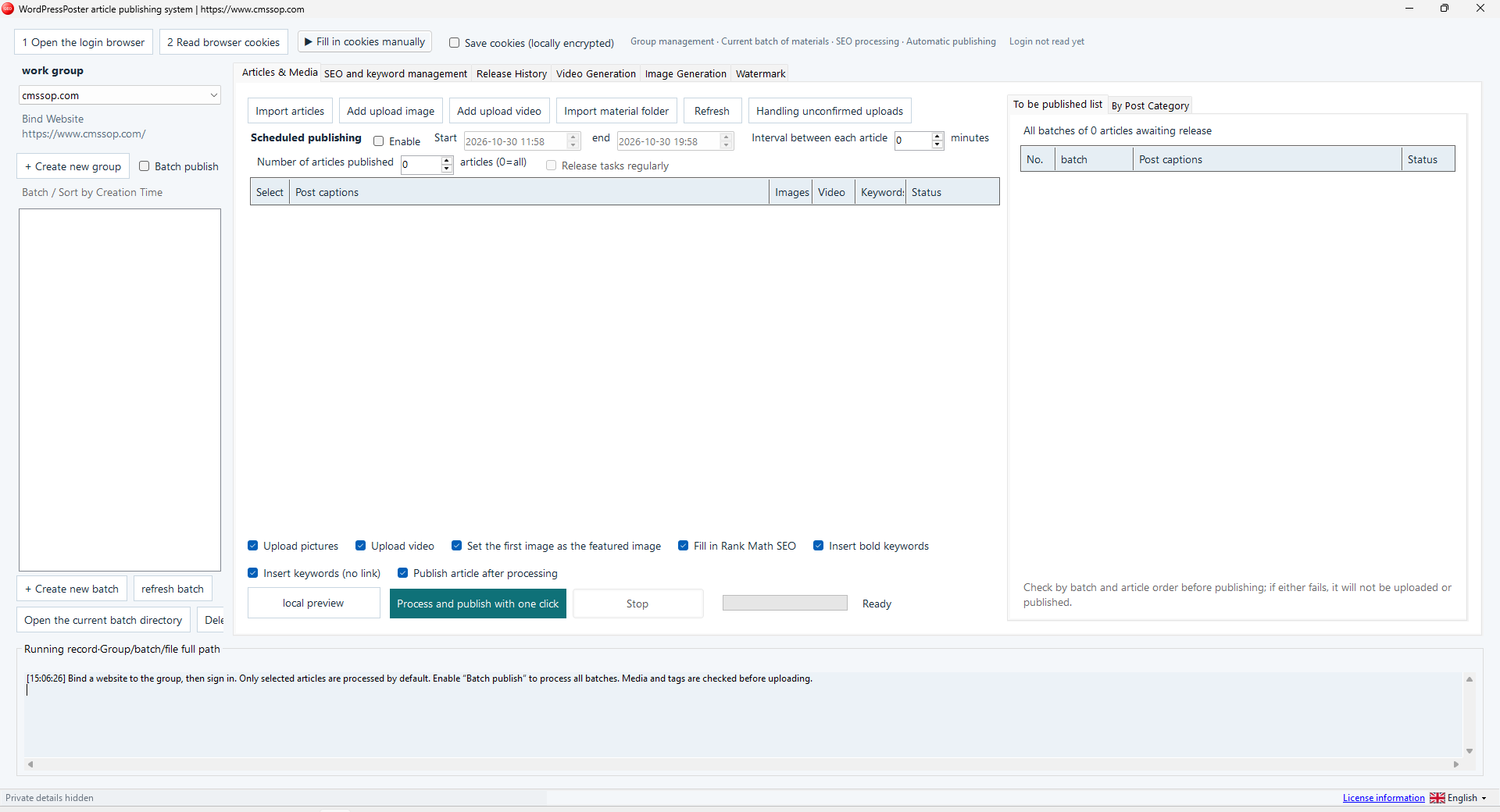
Trial availability & limits
Contact UK BIG SEA support with your Windows version and intended workflow before buying if compatibility is unclear. A self-service trial is not currently advertised.
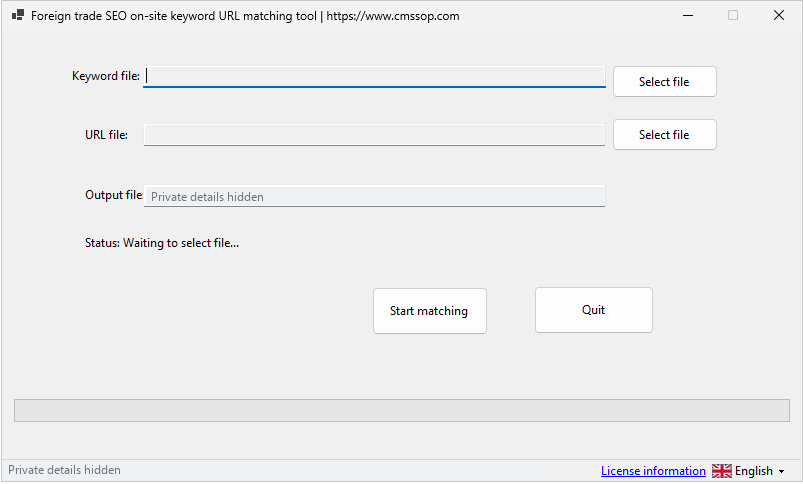
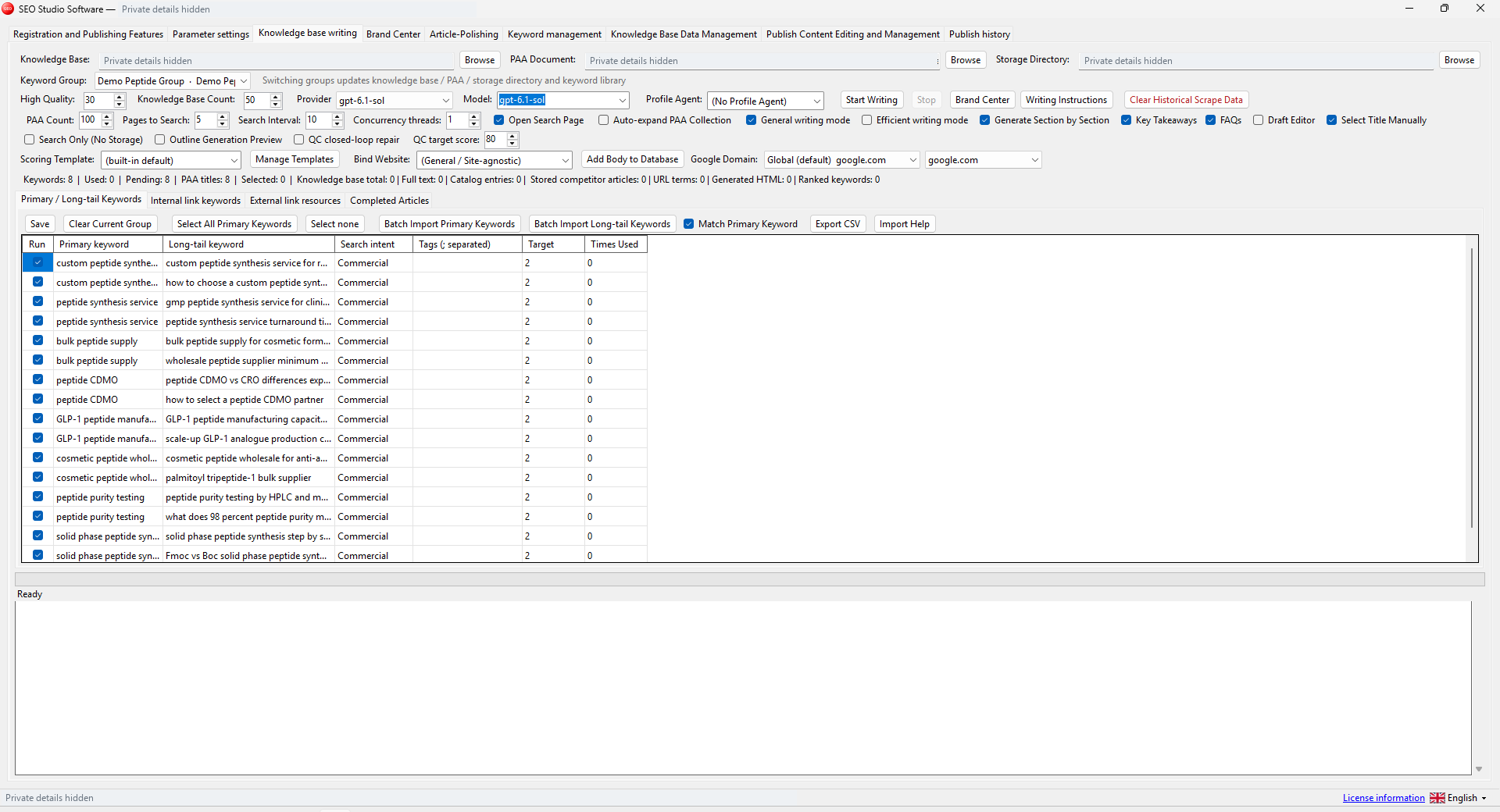
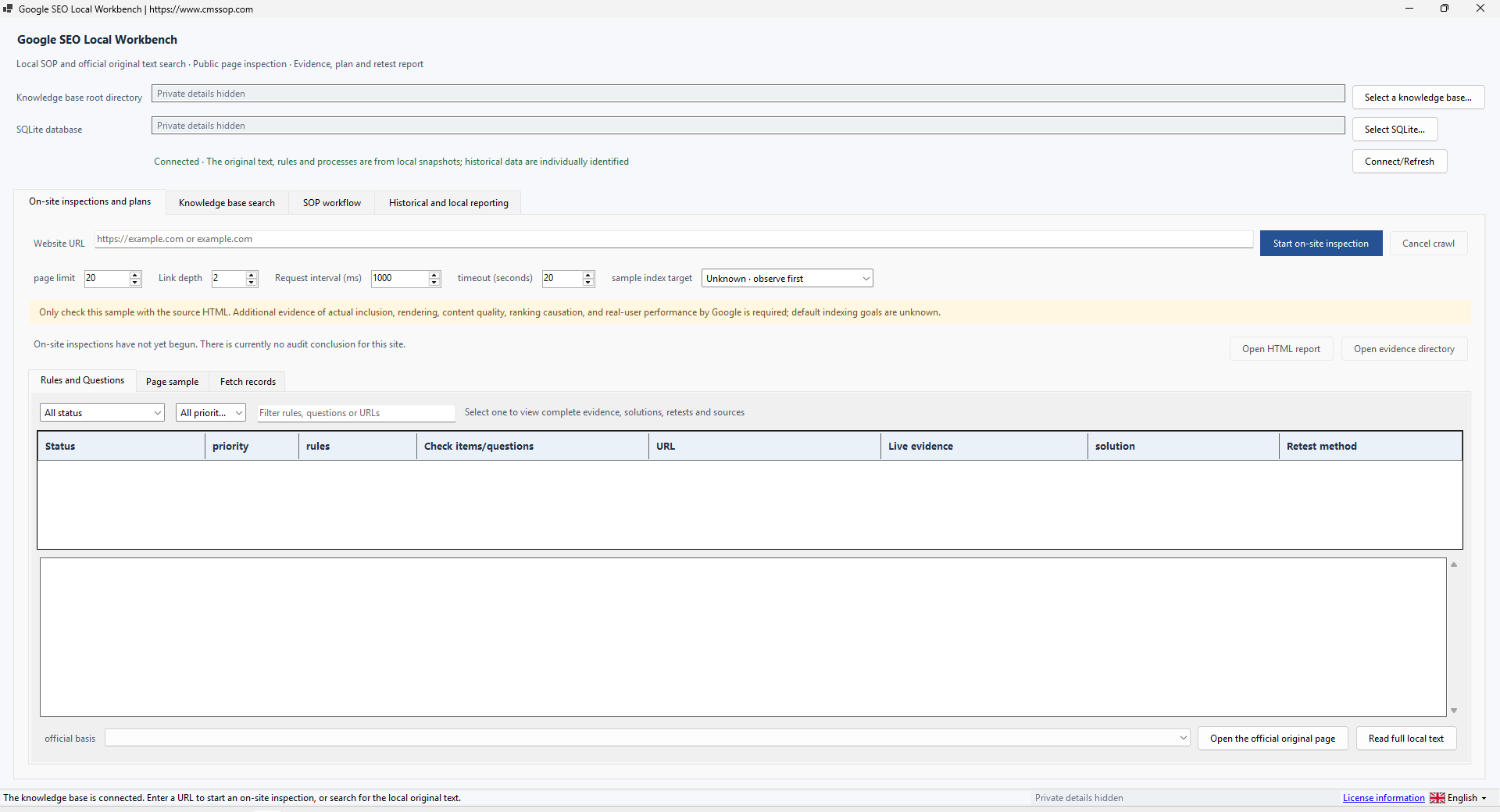
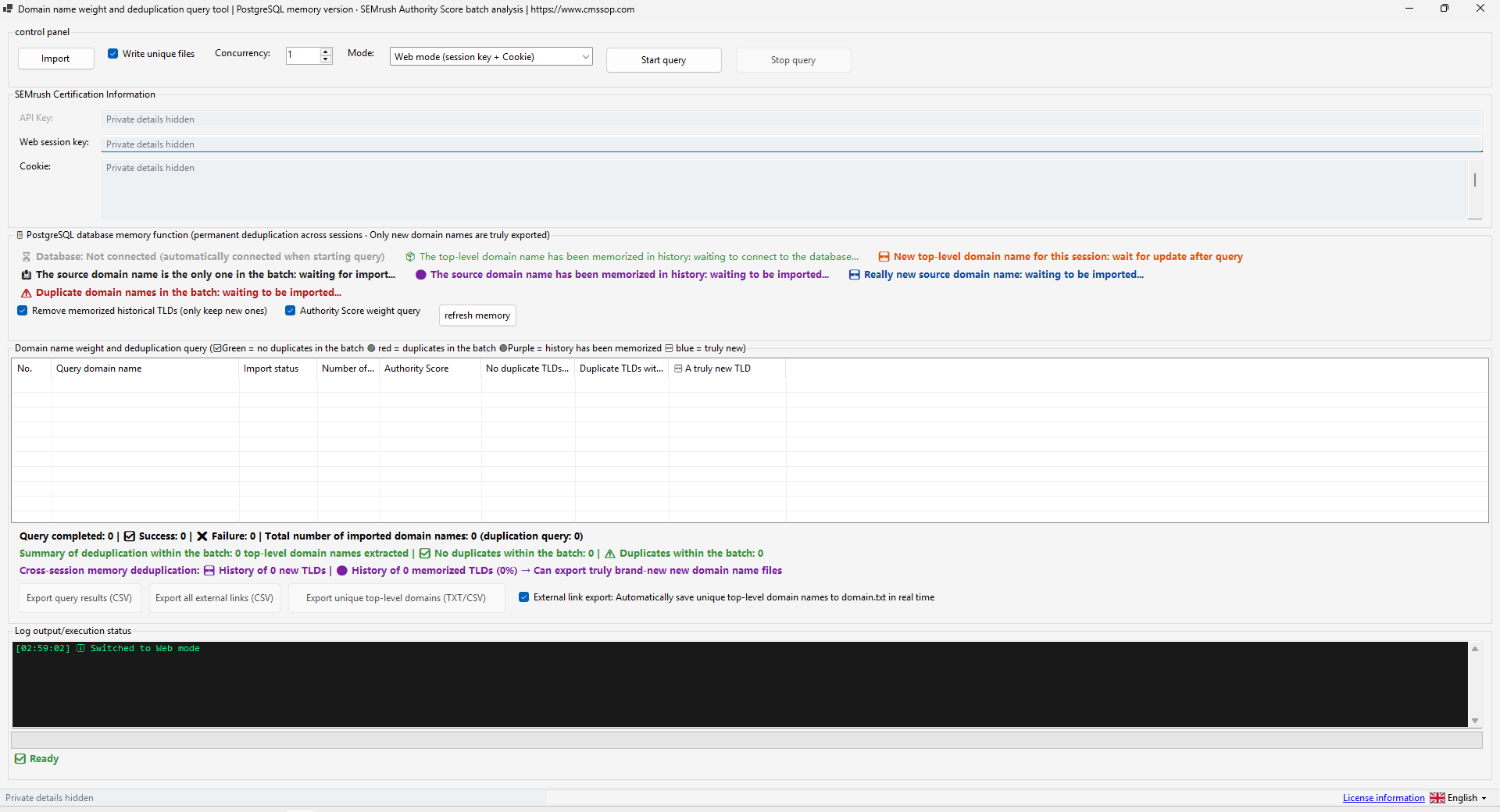
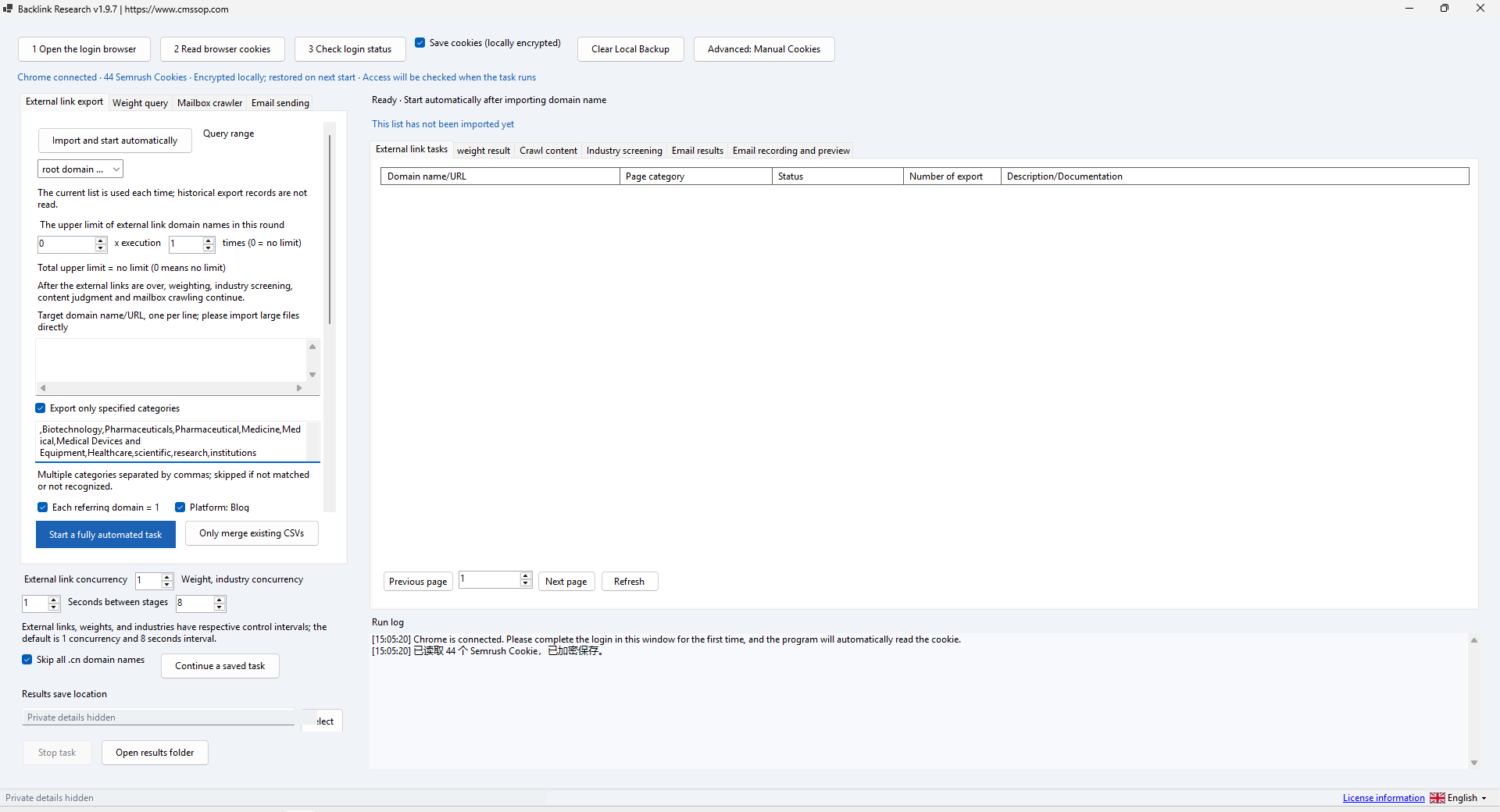
Actual application screenshot · Click to enlarge
Match a keyword list to an existing URL list locally
After confirmed USDT (TRC20) payment, your software download and product-specific activation details are issued automatically in your customer account. Use the email sign-in link for first access. Incorrect payment amounts may need support.
Check compatibility, licensing and support before placing an order.
Contact UK BIG SEA support with your Windows version and intended workflow before buying if compatibility is unclear. A self-service trial is not currently advertised.
Windows x64; included .NET runtime; UTF-8 TXT keyword and URL lists; writable output folder.
One named user per licence. Extra team members need their own licences. No redistribution or sharing activation details. This is a one-time licence for the purchased version.
The purchased version remains usable; one year of available updates is included. Future major versions are not promised.
Check the help center for available support options. Include your product, version, Windows version, steps and a redacted error message. Support covers installation and product issues; it excludes SEO operations, content production and third-party subscriptions. No response-time SLA is advertised.
Match a keyword list to an existing URL list locally. A focused utility for mapping and review, with no AI API needed for the matching task.
Keyword Matcher pairs keywords with URLs you already have. It is a focused local text utility, not a keyword-volume database, SERP clustering engine or semantic ranking model. The one-time price reflects this narrower scope.
Extract the complete folder, use the included .NET runtime and open KeywordUrlMatcher.exe. Create two UTF-8 TXT files: keywords.txt with one keyword or phrase per line, and urls.txt with one complete URL per line. Do not put spreadsheet headers into a plain list. Keep an unchanged copy of both files.
Use the keyword-file selector for keywords.txt and the URL-file selector for urls.txt. Choose a new writable output path so the first run does not overwrite an older result. For a first test, include a few obvious pairs such as technical seo and https://example.com/technical-seo, plus one URL with no corresponding keyword. This makes the result easy to inspect.
The current interface provides file selection and a start button. Matching is handled by the application; it does not expose separate strict or broad mode selectors. Review each candidate against the actual destination page because shared words do not establish search intent.
Start processing and wait for completion. Compare the number of input records, matched pairs and unmatched entries. Check how spaces, hyphens, case and URL paths are treated in your sample before processing the full list. Do not assume that two languages or synonyms will match without explicit evidence from the result.
Open the saved output and inspect representative matches and unmatched rows. Confirm there are no unintended repeated pairs and that every URL is the intended destination. If matching adds false positives, clean the source data and review the proposed destination manually. Import the reviewed mapping into your planning or publishing workflow only after this check.
An empty output can result from mismatched wording, empty files or an unwritable destination. If text is garbled, resave the input as UTF-8 and repeat a small sample. Close other programs holding the output file before retrying. This utility does not crawl the URLs to validate status codes or page content; use a separate website checker for those tasks.
One payment licenses the purchased version for one named user. One year of available updates is included. Additional team users need additional licences. There is no recurring charge or AI credit allowance attached to this product.
Compare local keyword and URL lists, then review the candidate matches against each page’s purpose. Similar wording alone does not establish a useful landing page.
Keyword Matcher: review weak and unmatched results explains the inputs, review steps and common mistakes before a larger batch.