Trial availability & limits
Contact UK BIG SEA support with your Windows version and intended workflow before buying if compatibility is unclear. A self-service trial is not currently advertised.
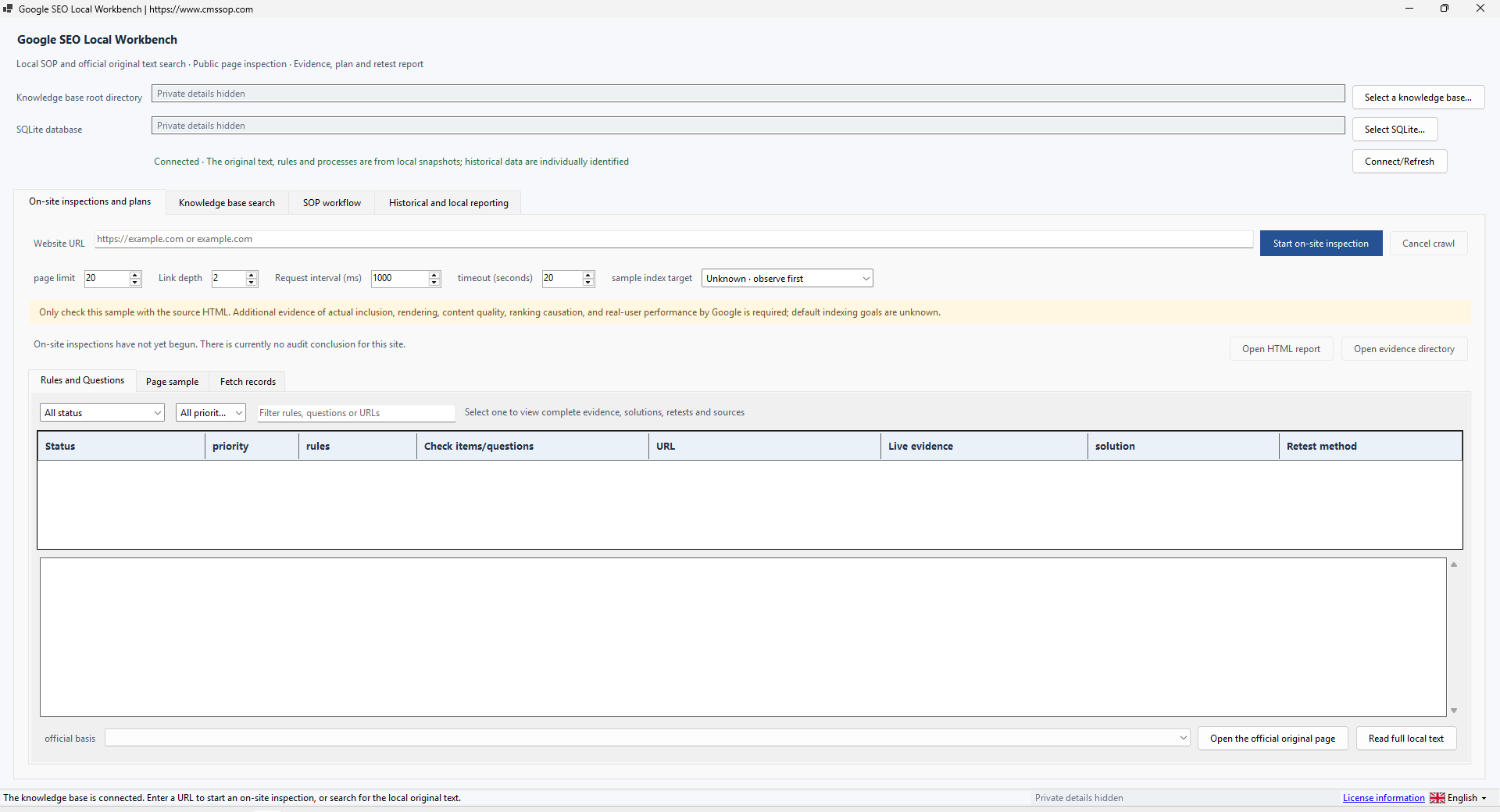
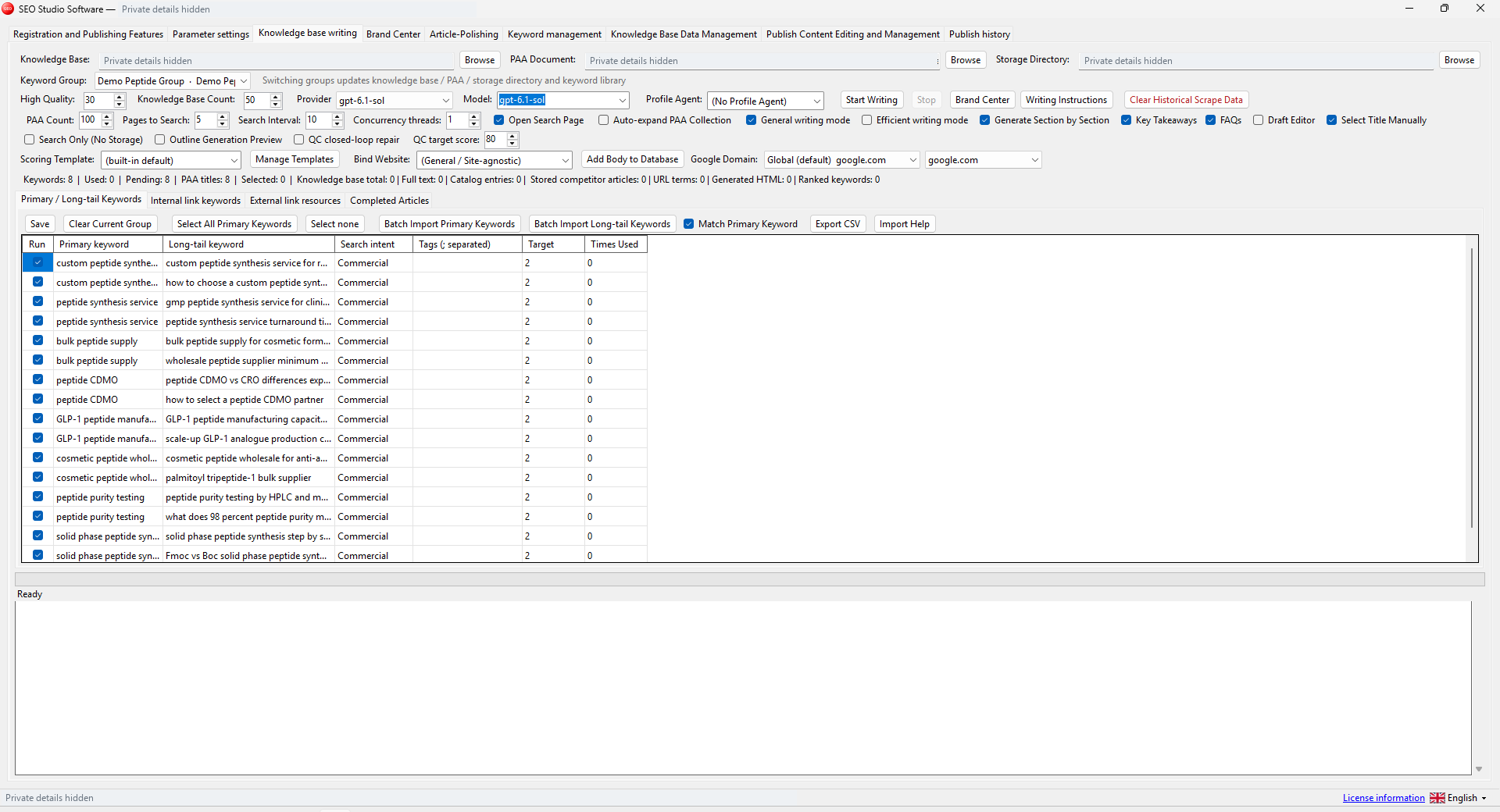
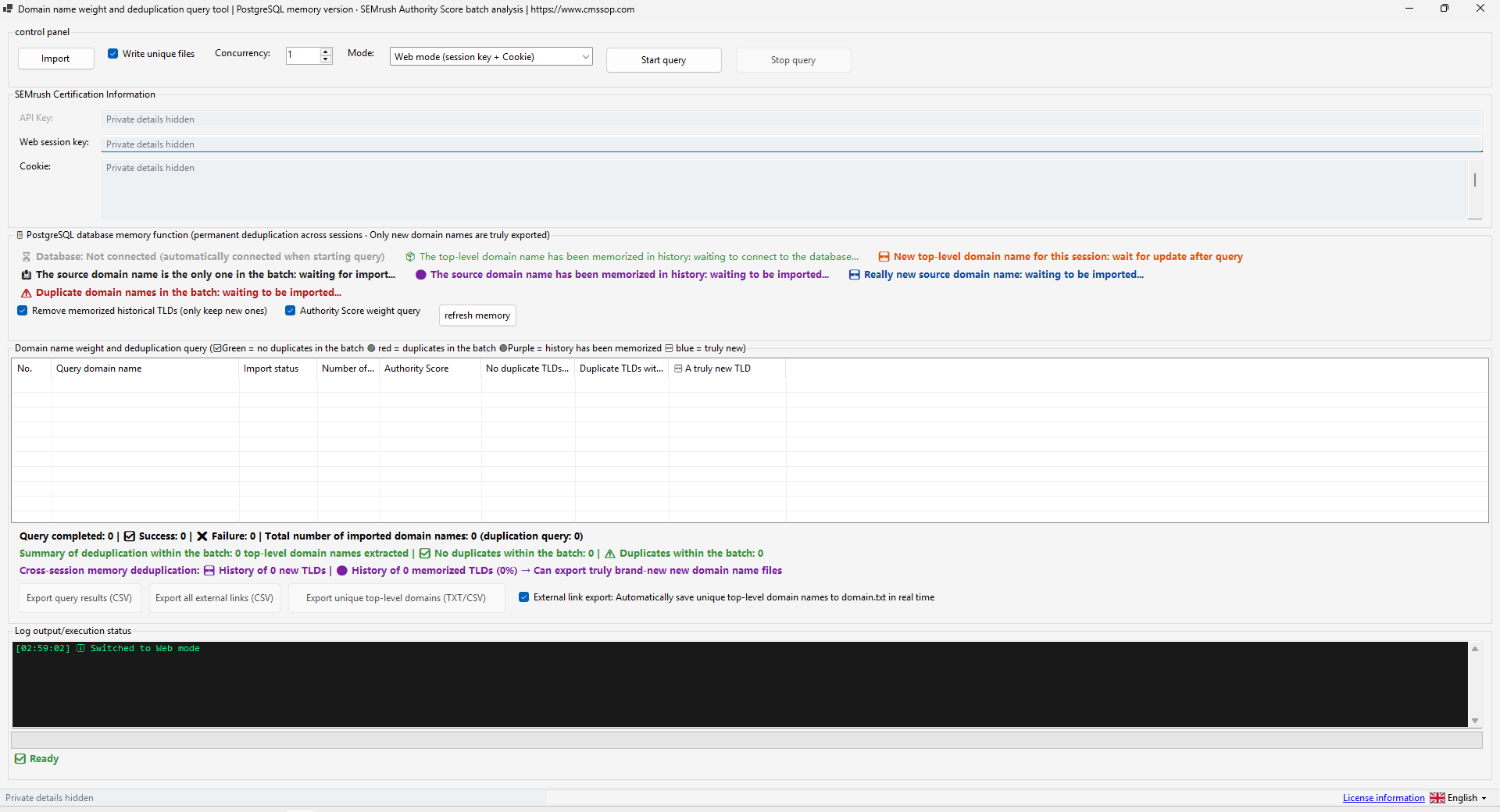
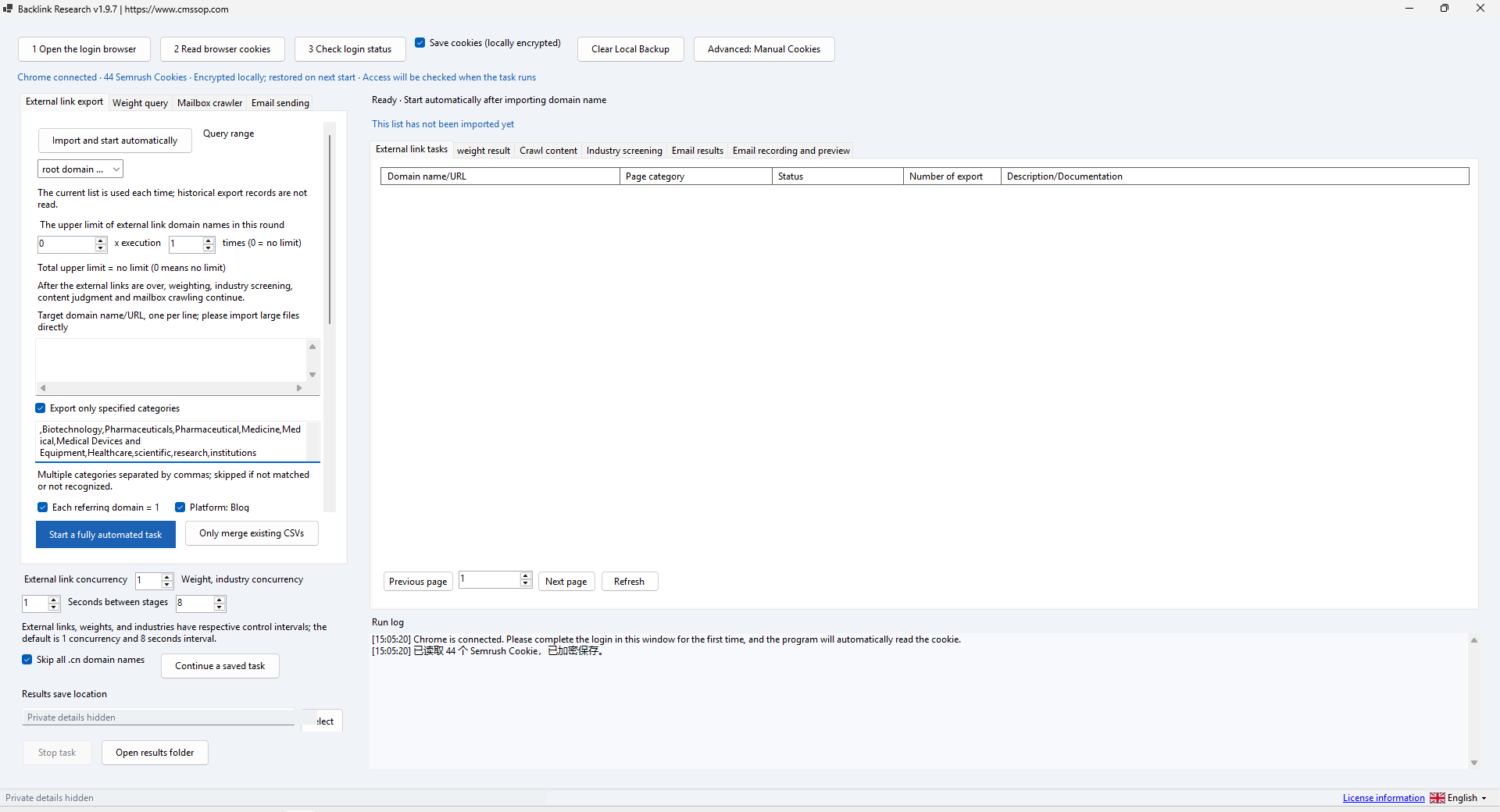
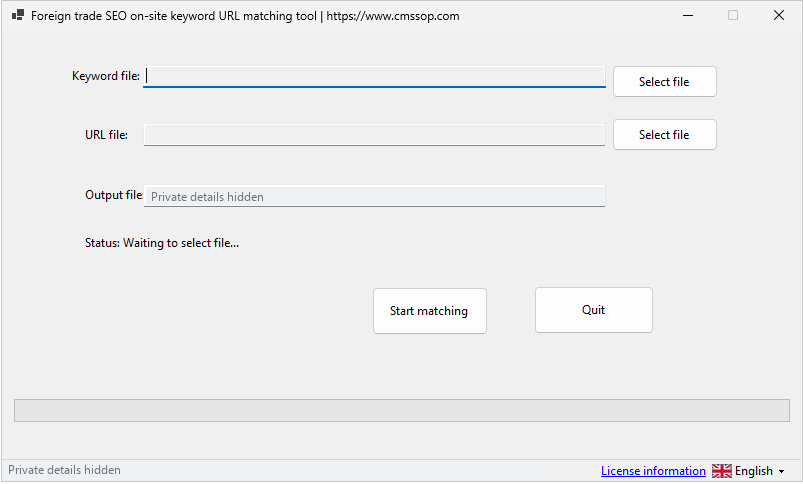
Actual application screenshot · Click to enlarge
Turn Google SEO guidance into a local reference and evidence-led HTML preflight workflow
After confirmed USDT (TRC20) payment, your software download and product-specific activation details are issued automatically in your customer account. Use the email sign-in link for first access. Incorrect payment amounts may need support.
Check compatibility, licensing and support before placing an order.
Contact UK BIG SEA support with your Windows version and intended workflow before buying if compatibility is unclear. A self-service trial is not currently advertised.
Windows x64; included .NET runtime; supplied SQLite knowledge files; network access for live website checks.
One named user per licence. Extra team members need their own licences. No redistribution or sharing activation details. The listed price covers one year.
Includes available updates during the paid year. Renewal is a separate purchase at the then-current price; there is no automatic charge.
Check the help center for available support options. Include your product, version, Windows version, steps and a redacted error message. Support covers installation and product issues; it excludes SEO operations, content production and third-party subscriptions. No response-time SLA is advertised.
Turn Google SEO guidance into a local reference and evidence-led HTML preflight workflow. Find issues, record uncertainty and organize a retest.
Cms Sop SEO Console is a local SEO reference and preflight tool. Its supplied executable is named SeoWorkbench.exe. It helps connect an observed HTML issue with a rule, supporting material and a retest step. It is an independent Cms Sop product, not Google Search Console and not an official Google application.
Extract the whole folder. The .NET runtime is included. Open SeoWorkbench.exe. Keep the supplied data files with the program. In the knowledge connection area, select the supplied knowledge SQLite database if it is not detected automatically. Check that rule and workflow lists load. An empty knowledge list is a data-path issue to investigate, not proof that a website has no SEO problems.
Search for a topic such as canonical, title or robots. Read the rule and associated workflow, then open the cited source when network access is available. Distinguish a source document from a software interpretation. Check source dates before treating local reference material as current guidance.
Enter the URL of a website you own or have permission to test. Start with 5 pages, depth 1 and a moderate request delay. The supplied interface provides a page limit of 1–200 and depth 0–5; this is a bounded preflight, not a promise to audit an unlimited site. Increase scope only after the first run is understood. Authentication-only pages and inaccessible hosts need separate access arrangements.
Inspect the URL, status, priority and evidence for each finding. FAIL means the tested rule found a problem in available evidence. UNKNOWN means the run lacks enough evidence. PASS applies to the particular tested check; it is not an endorsement of the whole site. N/A means the check is not applicable. Read the explanation and suggested retest before changing the site.
Open the generated HTML report and its evidence folder. Keep a record of the input URL, settings and run time. Make one justified correction on the website, rerun the same scope and compare the relevant finding in the run history. An exported report can include URLs and page evidence: review it before sharing with a customer or uploading it publicly.
The preflight reads returned HTML. It cannot by itself prove actual Google indexing, JavaScript rendering, backlink quality or real-user Core Web Vitals. Those need the relevant external evidence. If no pages load, check the URL, site availability, timeout, redirects and access restrictions. A missing knowledge database should be restored from the package or backup. If a page is UNKNOWN, collect the missing evidence instead of reclassifying it as PASS.
Use a small synthetic site for an offline run. Offline reference browsing does not validate the live crawler, and an existing UI smoke screenshot does not prove a successful customer audit. Check the demonstration captions for the operations actually exercised.
Inspect returned HTML and preserve evidence for a retest. Page checks support investigation; actual search indexing and performance need separate evidence.
SEO Console: build an SEO fix plan from a small crawl explains the inputs, review steps and common mistakes before a larger batch.