Trial availability & limits
Contact UK BIG SEA support with your Windows version and intended workflow before buying if compatibility is unclear. A self-service trial is not currently advertised.
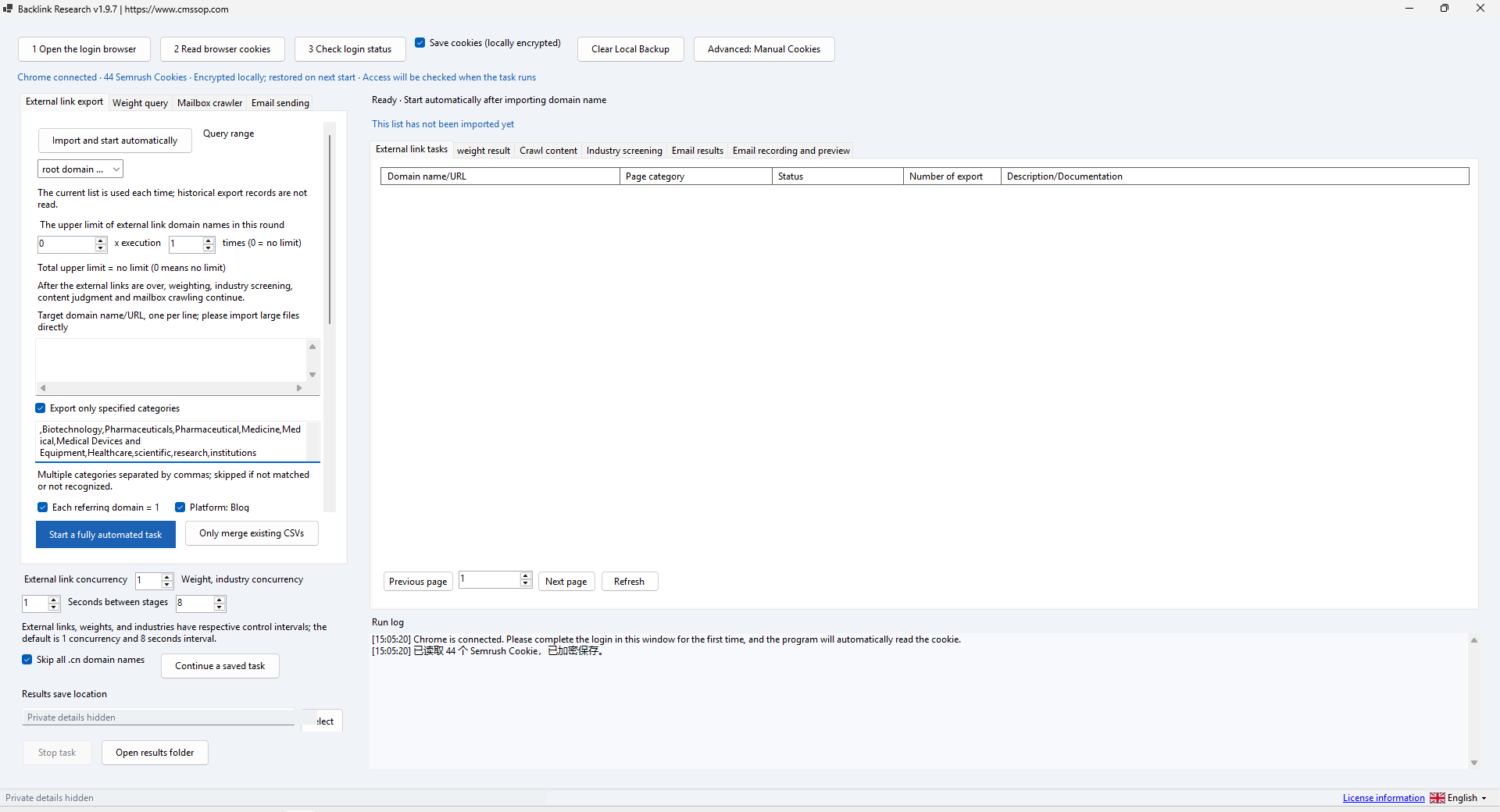
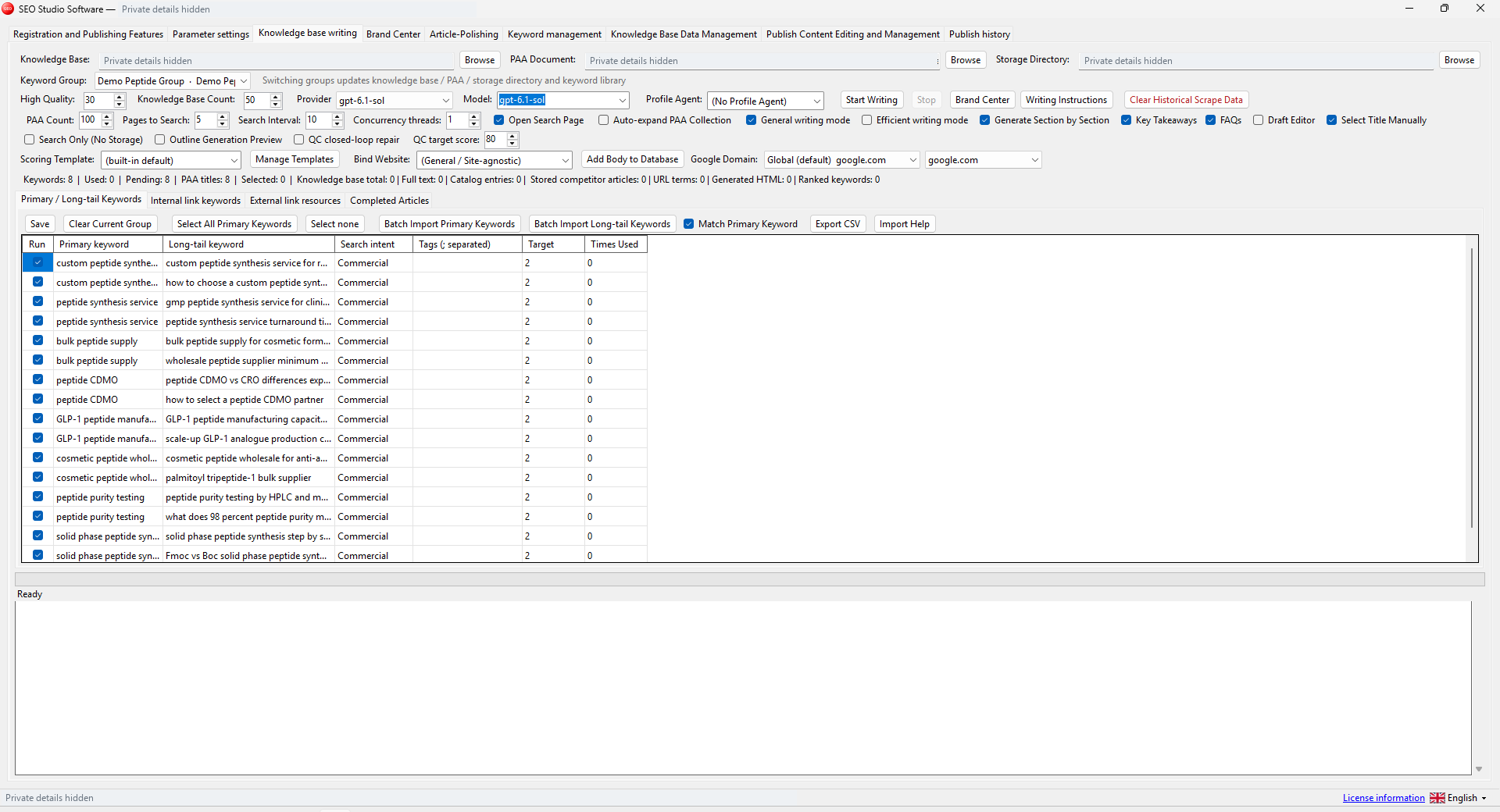
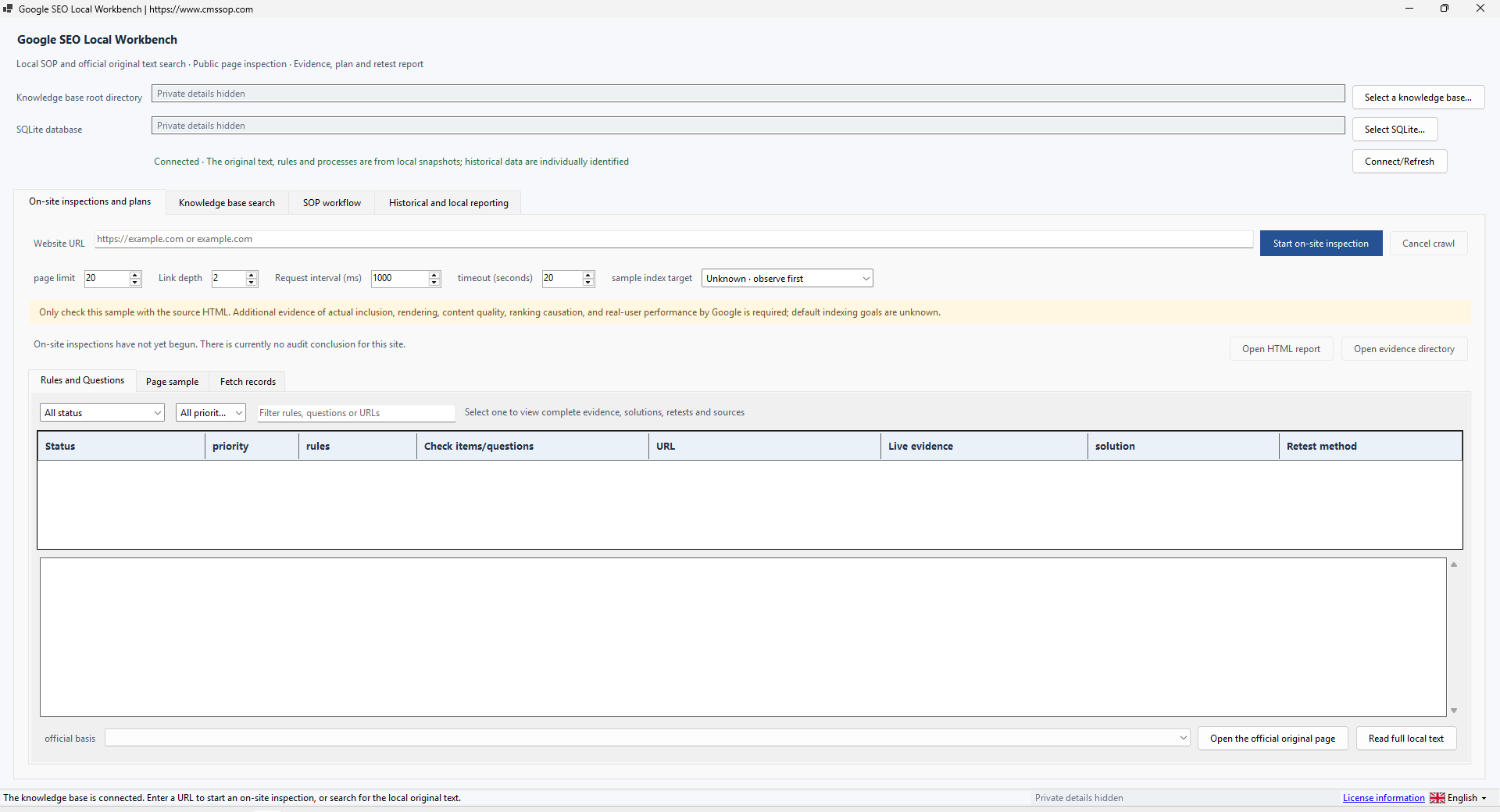
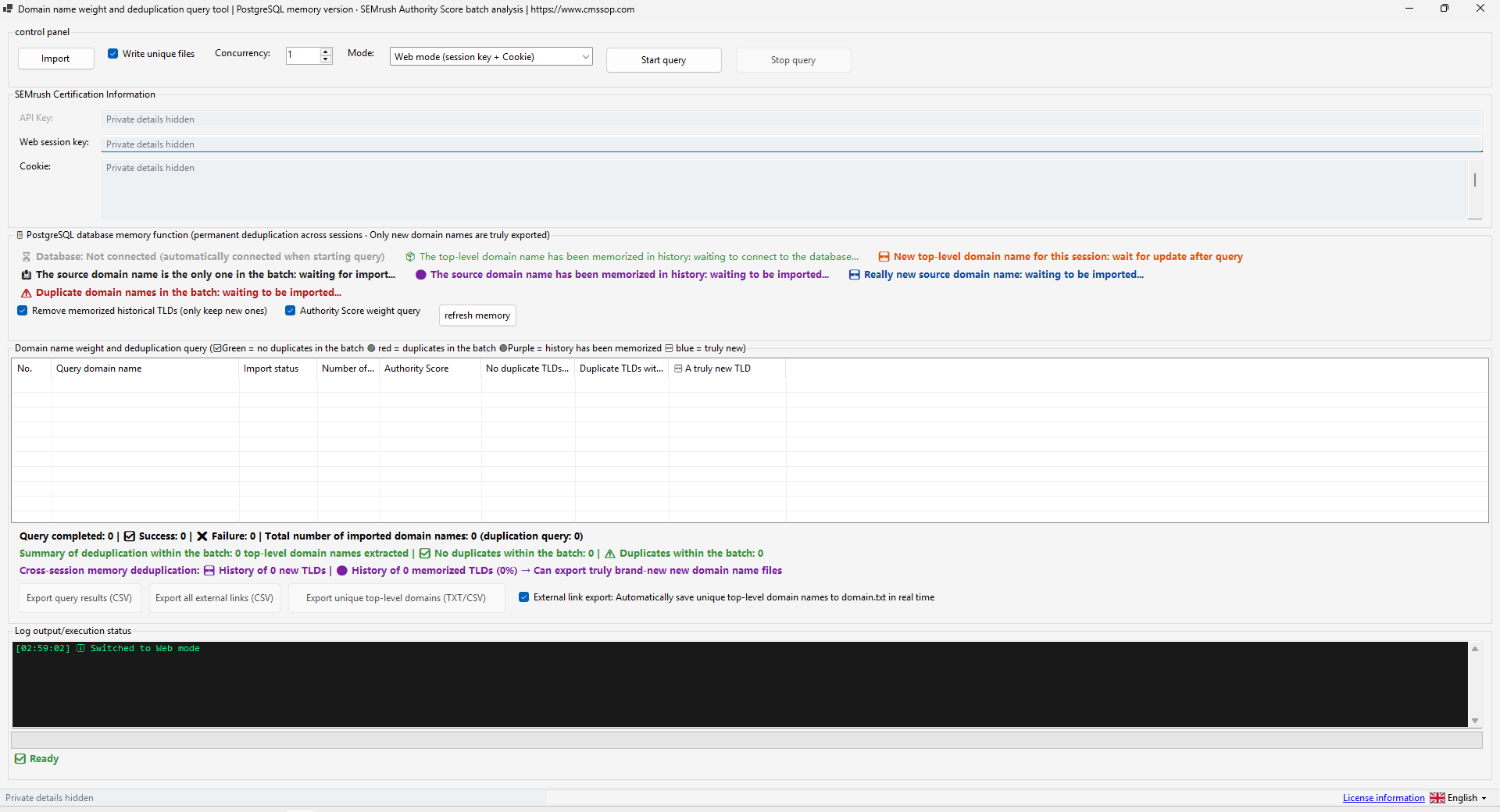
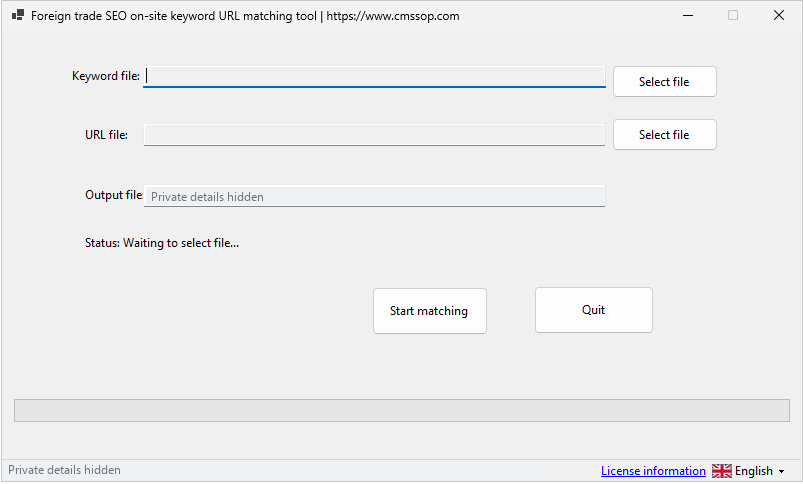
Actual application screenshot · Click to enlarge
Organize backlink prospects by domain, score and relevance, then export a reviewed research list for your team
After confirmed USDT (TRC20) payment, your software download and product-specific activation details are issued automatically in your customer account. Use the email sign-in link for first access. Incorrect payment amounts may need support.
Check compatibility, licensing and support before placing an order.
Contact UK BIG SEA support with your Windows version and intended workflow before buying if compatibility is unclear. A self-service trial is not currently advertised.
Windows x64; included .NET runtime; Chrome/provider access for connected workflows. Live metrics require your own Semrush entitlement.
One named user per licence. Extra team members need their own licences. No redistribution or sharing activation details. The listed price covers one year.
Includes available updates during the paid year. Renewal is a separate purchase at the then-current price; there is no automatic charge.
Check the help center for available support options. Include your product, version, Windows version, steps and a redacted error message. Support covers installation and product issues; it excludes SEO operations, content production and third-party subscriptions. No response-time SLA is advertised.
Organize backlink prospects by domain, score and relevance, then export a reviewed research list for your team.
Backlink Research is the more extensive prospect-management tool in this collection. Its supplied executable is SemrushBacklinks.exe. It combines imported domain research with filtering and exports. Semrush access belongs to you and is billed separately; this software does not own or resell Semrush's data entitlement and is not endorsed by Semrush.
Start the executable in a writable Windows x64 folder. The build includes its .NET runtime. Prepare a short TXT or CSV domain list and keep the original. Do not move somebody else's browser profile or saved session into your installation. Where the workflow requires Chrome or a provider session, use your own authorized account.
Import a small list and examine the recognized domain column. Review root-domain deduplication so that multiple URLs from one website do not unintentionally dominate the list. Confirm the imported count and keep an unprocessed copy. CSV column layout should be checked on a small sample before a large import.
With authorized access, request the available metrics in conservative batches. The supplied interface provides an Authority Score batch workflow capped at 200 domains for that operation. Filter by category, industry or keywords according to the campaign. Review B2B/B2C classification and detected contact details manually: an automated match is a lead for review, not verified consent or suitability.
Inspect source URLs, titles, languages and relevance before retaining a prospect. Export a CSV or XLSX research list and open it to check headers, encoding, selected rows and duplicate domains. Keep the research source and date so the list can be refreshed when sites change.
The application resources include mail drafts, SMTP, recipient and outbox controls. Treat these as a separate workflow. Review recipients, message purpose and permissions before any send action. The demonstration does not send emails or assert that delivery/open tracking has been validated. A contact address found on a site is not by itself permission for unsolicited bulk mail.
If a provider session expires, renew it through the normal login process. If a request fails, distinguish authorization, limits and parsing errors before retrying. Do not attempt to bypass access restrictions. Store exported contact data carefully, keep only what you need, and redact sessions and credentials in logs. Changing a filter can produce an empty list without implying an application fault.
Choose Domain Analyzer for the narrower domain-list and backlink-export task. Choose Backlink Research when you need the broader prospect filtering and review workflow. The two products are sold separately; buying both is not required to use either one.
Organize and deduplicate prospects before assessing their relevance. An export is a research shortlist, not a promise of links or ranking improvement.
Backlink Research: build a useful prospect shortlist explains the inputs, review steps and common mistakes before a larger batch.