Trial availability & limits
Contact UK BIG SEA support with your Windows version and intended workflow before buying if compatibility is unclear. A self-service trial is not currently advertised.
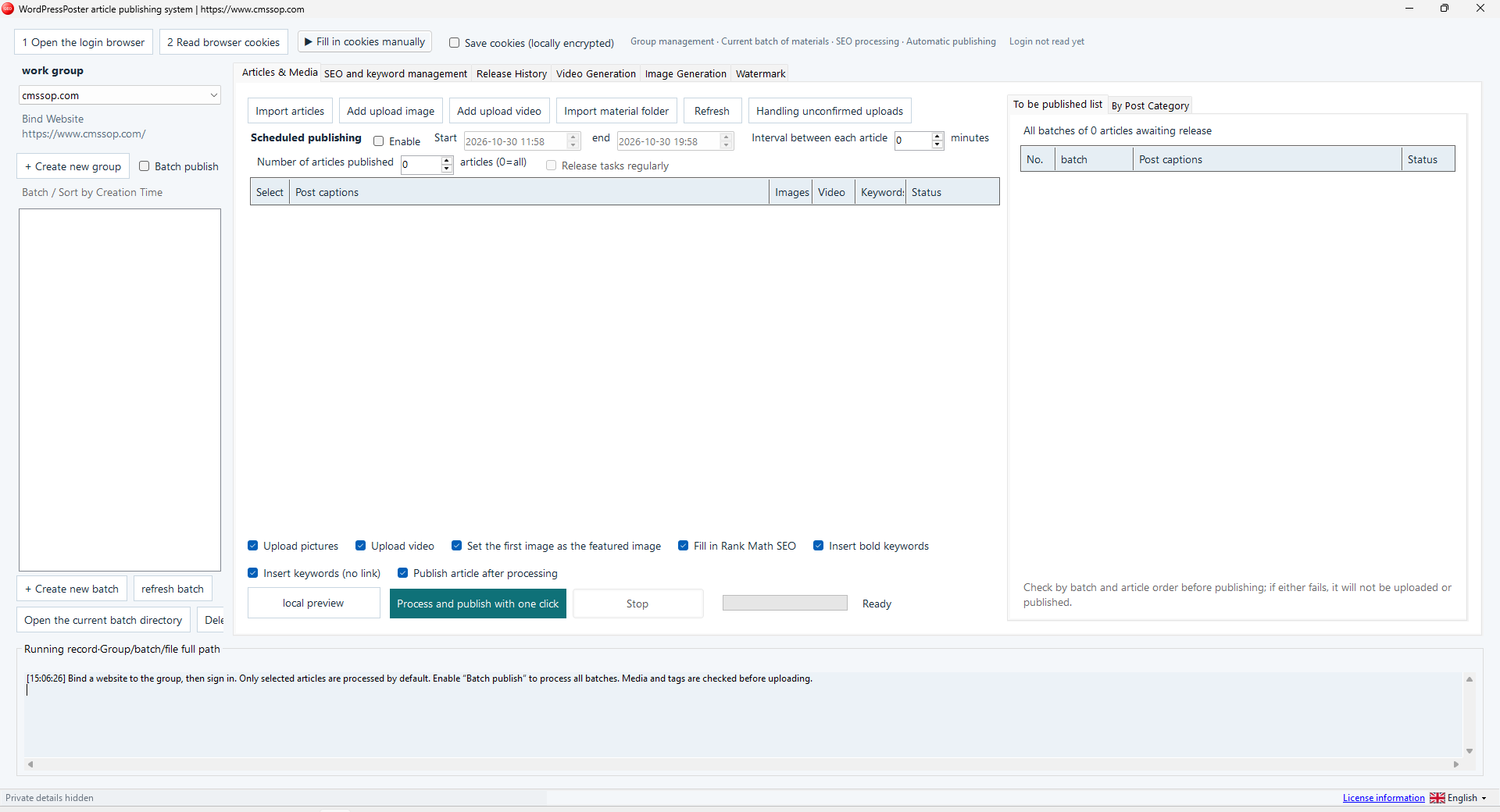
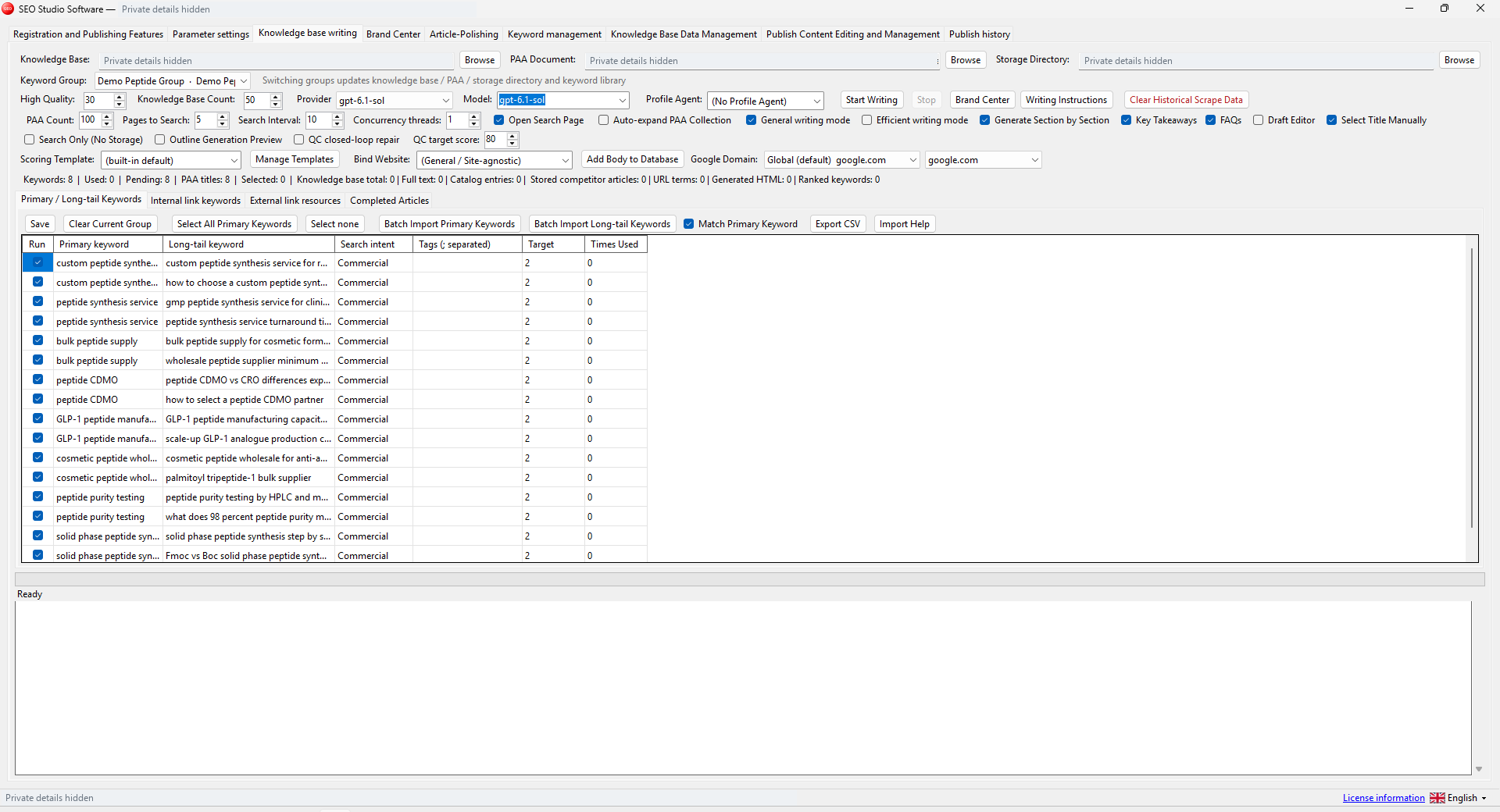
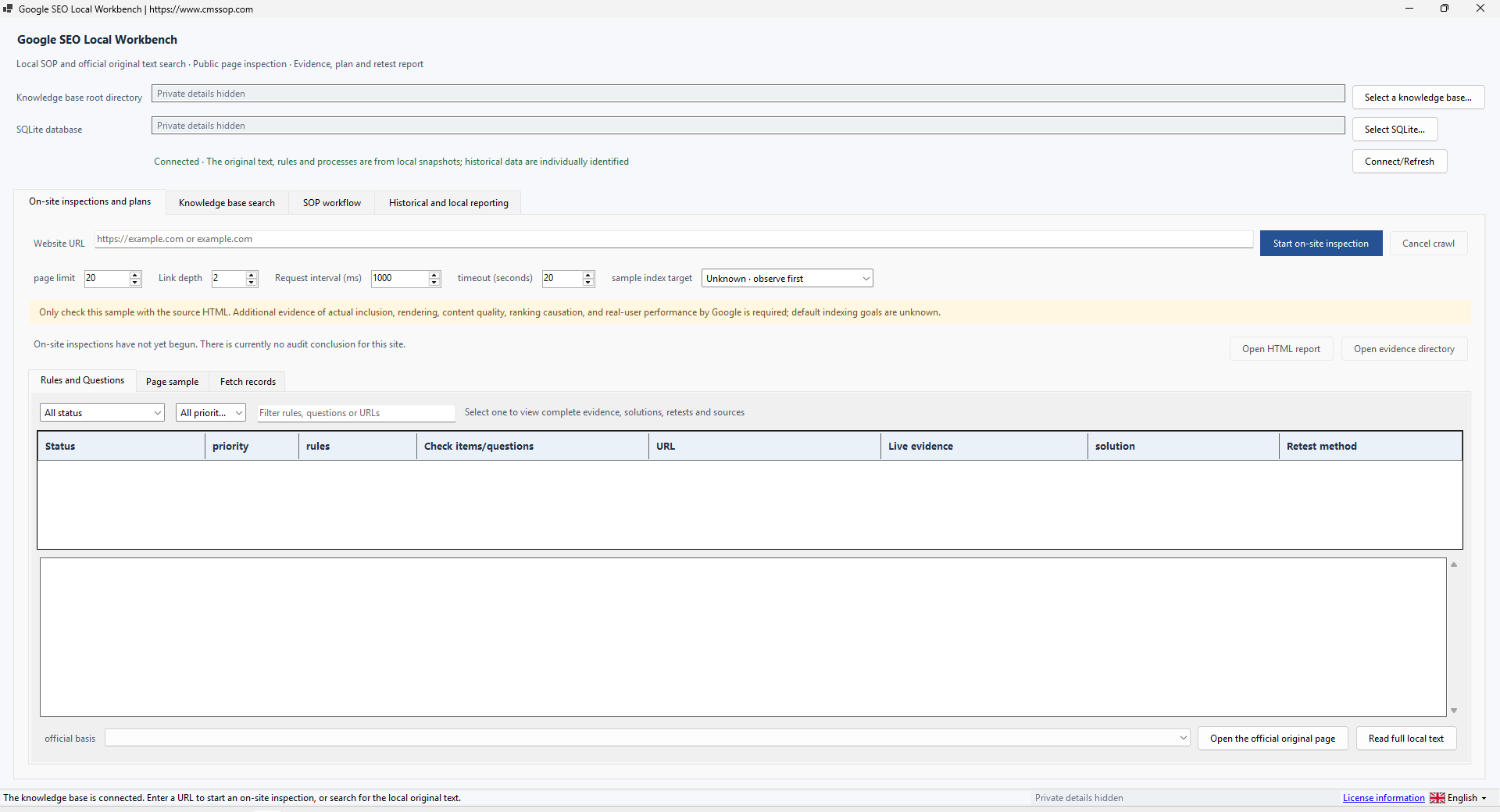
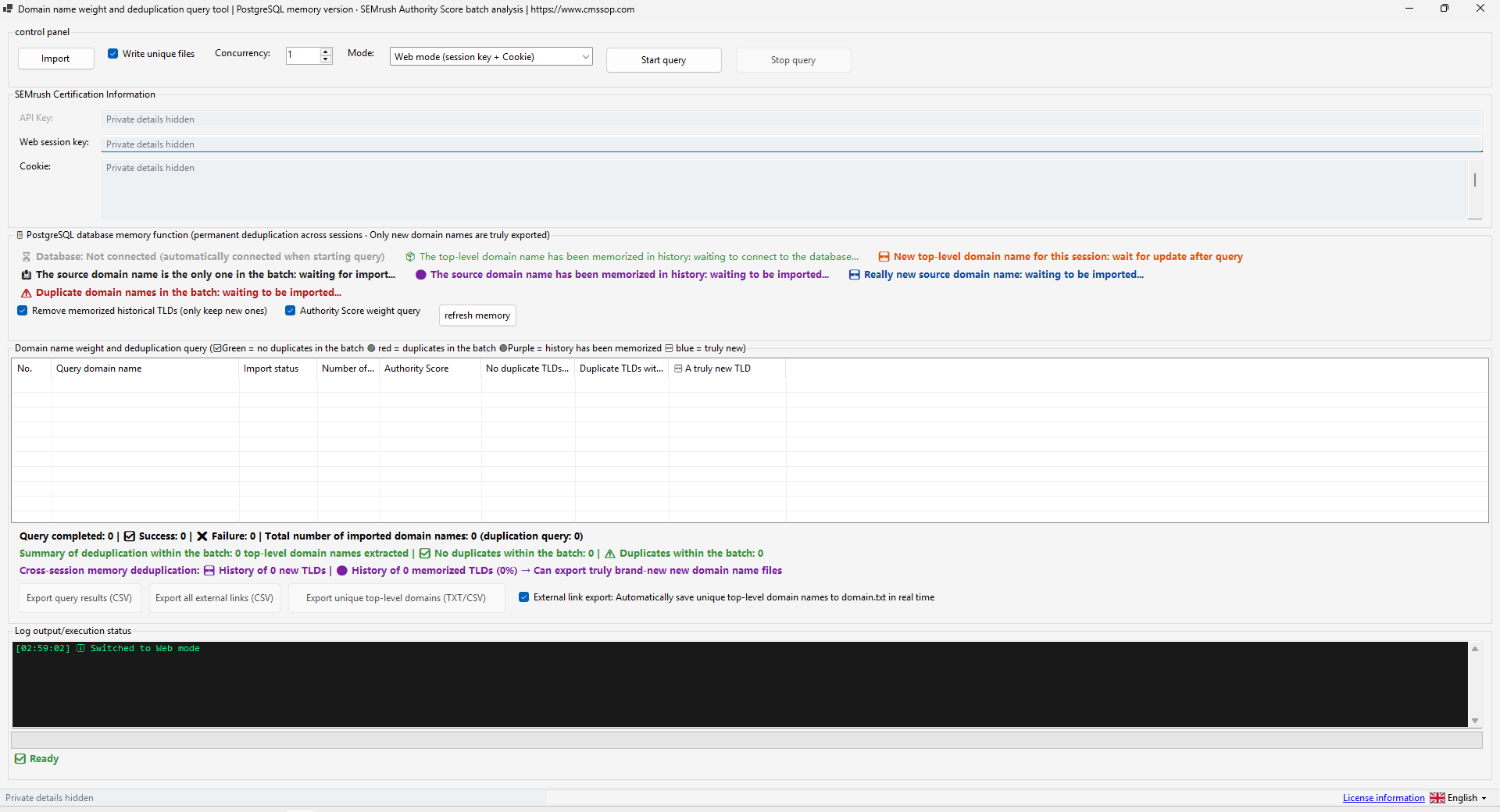
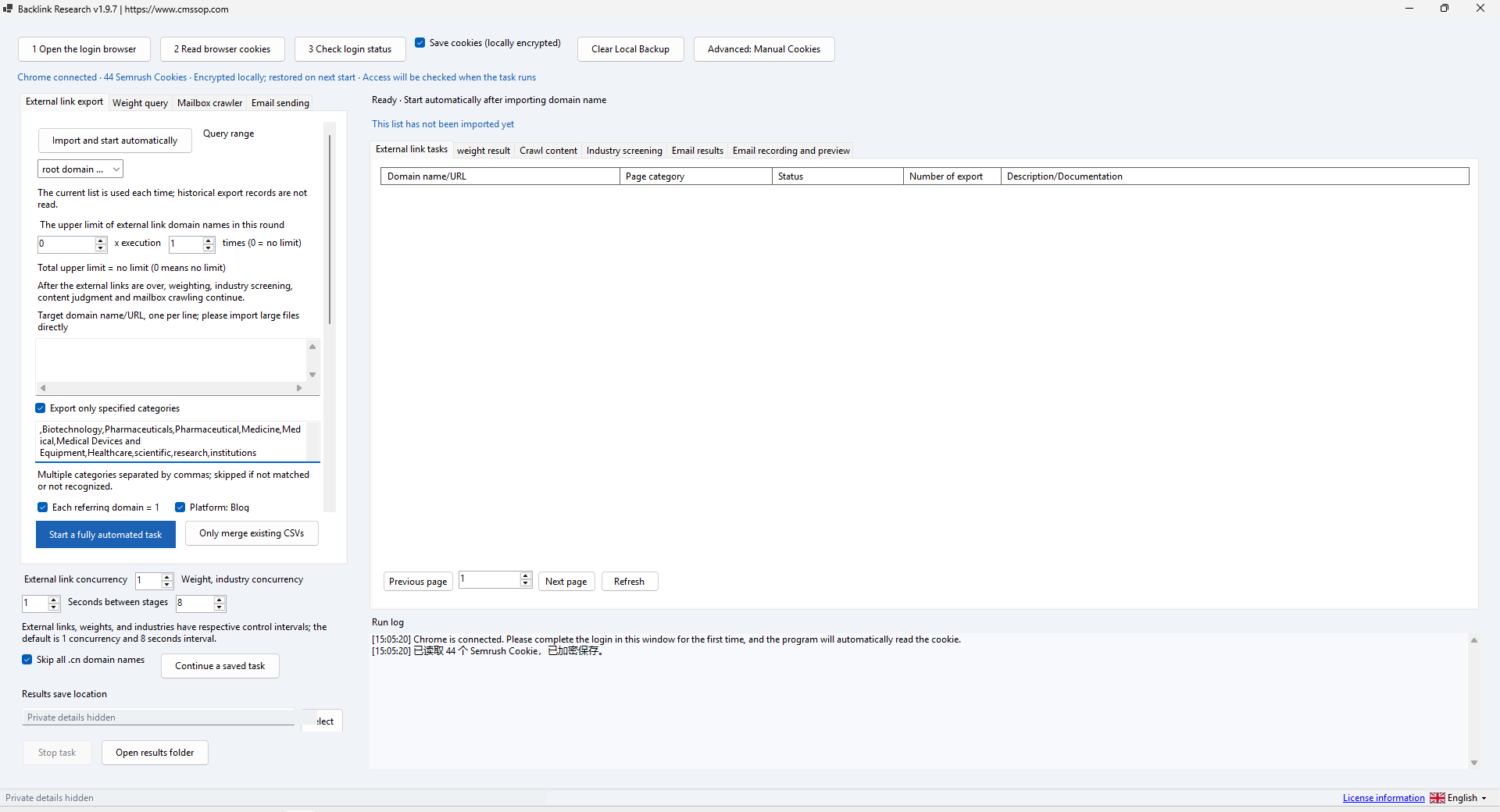
Actual application screenshot · Click to enlarge
Prepare local articles and images in website-specific batches, review SEO fields and control a WordPress publishing queue
After confirmed USDT (TRC20) payment, your software download and product-specific activation details are issued automatically in your customer account. Use the email sign-in link for first access. Incorrect payment amounts may need support.
Check compatibility, licensing and support before placing an order.
Contact UK BIG SEA support with your Windows version and intended workflow before buying if compatibility is unclear. A self-service trial is not currently advertised.
Windows x64; included .NET runtime; software login; Chrome and an authorized WordPress session for connected publishing.
One named user per licence. Extra team members need their own licences. No redistribution or sharing activation details. The listed price covers one year.
Includes available updates during the paid year. Renewal is a separate purchase at the then-current price; there is no automatic charge.
Check the help center for available support options. Include your product, version, Windows version, steps and a redacted error message. Support covers installation and product issues; it excludes SEO operations, content production and third-party subscriptions. No response-time SLA is advertised.
Prepare local articles and images in website-specific batches, review SEO fields and control a WordPress publishing queue.
WordPress Publisher organizes already prepared articles and media for publication. The supplied file is WordpressPoster.exe. It is independent software from Cms Sop, not an official WordPress or Rank Math product. The workflow is designed around groups bound to individual websites, with separate batches inside each group.
Place the executable in a writable Windows x64 folder. The supplied build includes its .NET runtime. Complete the software's own login using the credentials supplied with your purchase. This login is different from the destination WordPress login. Connected browser functions also need Chrome and a compatible authenticated website session. Start on a staging site with limited test content.
Choose New group, enter a clear name and the intended website address. Check it carefully: the group, login state and its batches use that bound website. Create one small batch. Keep websites separated into different groups so that material and destination settings remain understandable.
Use Import articles for HTML, HTM or TXT source files, or import a materials folder. Add the images required by those articles. Refresh and inspect the pending list, titles, image count and status. Keep the original materials outside the working batch as a backup. Use local preview before processing or uploading anything.
Read the site's categories through your authorized session. Choose group defaults or bind categories to individual batches. Batch-specific settings can differ; inspect each row before saving. In SEO and keyword management, review keyword input, insertion location, bolding and spacing. Rank Math fields depend on compatibility with the destination site. Automated keyword insertion should still read naturally.
By default the interface describes processing the selected articles. Batch publishing can include all batches, so review that switch deliberately. If scheduling is enabled, set the start, end, per-article interval and article count. The interface uses 0 for all articles in the count control. Confirm the destination time zone and the previewed schedule before sending a real task.
Validate the destination session and start with one reviewed article on the staging site. The build includes pre-upload material checks. After the operation, inspect the publishing record and open the resulting page to confirm title, images, category and SEO fields. A prepared queue or locally processed file is not proof that WordPress accepted the post. Resolve unconfirmed uploads before restarting the same batch to avoid duplicates.
If categories cannot be read or a session fails validation, check the website login and article permissions through the normal process. If an image is missing, verify the source file and media references. Stop a failing task, preserve its log and check the last confirmed publication before retrying. Back up groups and input files while the application is closed; do not share saved cookies or login details.
The demonstration uses synthetic articles and does not publish to a live customer website. Software login, browser session validation, Rank Math compatibility, media upload and scheduled live publication require a suitable test account and site. A UI screenshot alone does not verify these connected operations.
Prepare reviewed articles and media, confirm the destination site and verify the public result. Publishing a page and having it indexed are separate events.
WordPress Publisher: check your first staging batch explains the inputs, review steps and common mistakes before a larger batch.