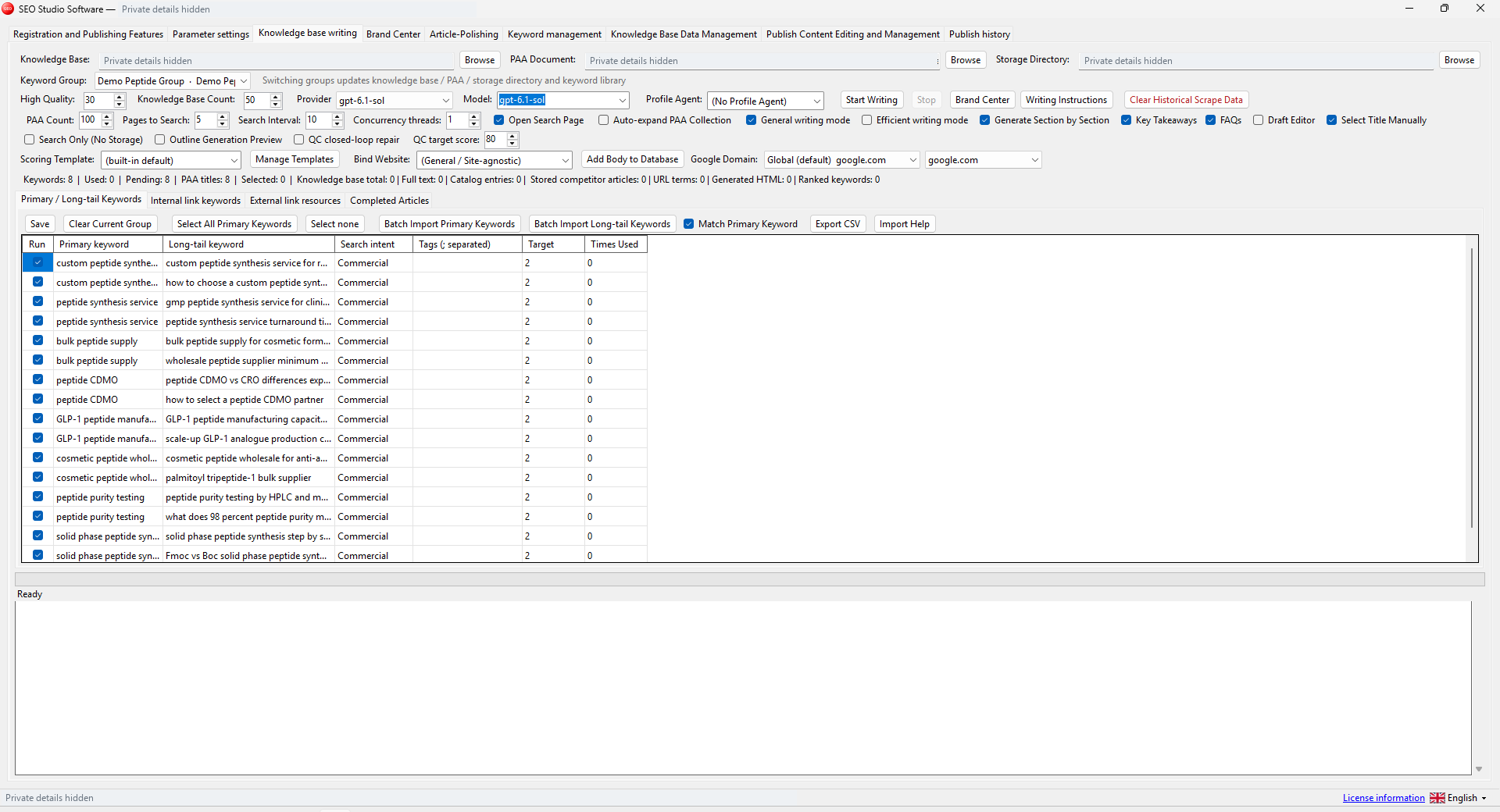
A desktop SEO software update should preserve the work you already have. Before replacing an application, identify where it stores settings, source material and results. Keep the previous package and a private backup until the new version has completed a small task you can inspect.
Finish or pause the current work
Do not replace an executable while a writing, research or publishing task is running. Use the application's normal stop controls, review the task status and close it. Record any unfinished input and any output that was already created. For publishing work, confirm the target website before deciding to retry a record.
For example, a queue that stopped after an unclear response may have uploaded an image successfully. Check the remote media library before repeating that step. A new version does not remove the need to understand the previous run.
Separate private backups from shareable exports
| Material | Suggested handling |
|---|---|
| Source documents and working inputs | Keep a dated copy in your normal private backup |
| Settings, cookies and credentials | Store privately; do not attach them to a support ticket |
| Research exports and reviewed articles | Inspect contents before sharing |
| Application package | Retain the previous version for reference |
Check the locations shown inside the application instead of assuming that every file is beside the executable. A database may live elsewhere. A local browser profile may contain authentication material even when its folder name appears ordinary.
Install the new package into its own folder
Download the package identified in your purchase or delivery instructions. Extract the complete archive to a writable Windows folder. Keep the six applications in separate directories. Do not mix files from an old package with a new one simply because their names look similar.
The current packages include the .NET runtime, but a feature can still require a browser component or third-party service. Read the product's installation notes before moving settings. If the release provides a checksum, compare it with your downloaded file to detect an incomplete or changed transfer.
Test one known task before a large batch
Start the application, confirm the selected language and review the destination and output paths. Use a sample whose expected behavior you already know. For Keyword Matcher, that could be a few known keyword and URL pairs. For WordPress Publisher, use a staging article that you can inspect in the administration area.
Compare the result with the earlier version where practical. If something differs, keep the input, application version and redacted log. Do not overwrite your only backup while investigating. An upgrade is easier to assess when the test contains only one deliberate change.
Keep a short update record
Record the package version, installation date, backup location and the sample you checked. Retain the old package until you are satisfied that the new version supports your workflow. Remove obsolete copies later through your normal file-management process.
Use the first-run guide for setup, the multilingual update note for the current interface changes and the support policy when reporting a reproducible issue. A careful desktop SEO software update protects both your data and your ability to explain what happened.